Maths · Kindergarten–Grade 3
Free geoboard worksheets
Free printable geoboard worksheets for kindergarten to grade 3: copy a shape onto a blank board, build shapes with 3 to 6 sides, complete a symmetrical shape across a mirror line, and find the area of a shape by counting unit squares. Answer key included for the area sheet.
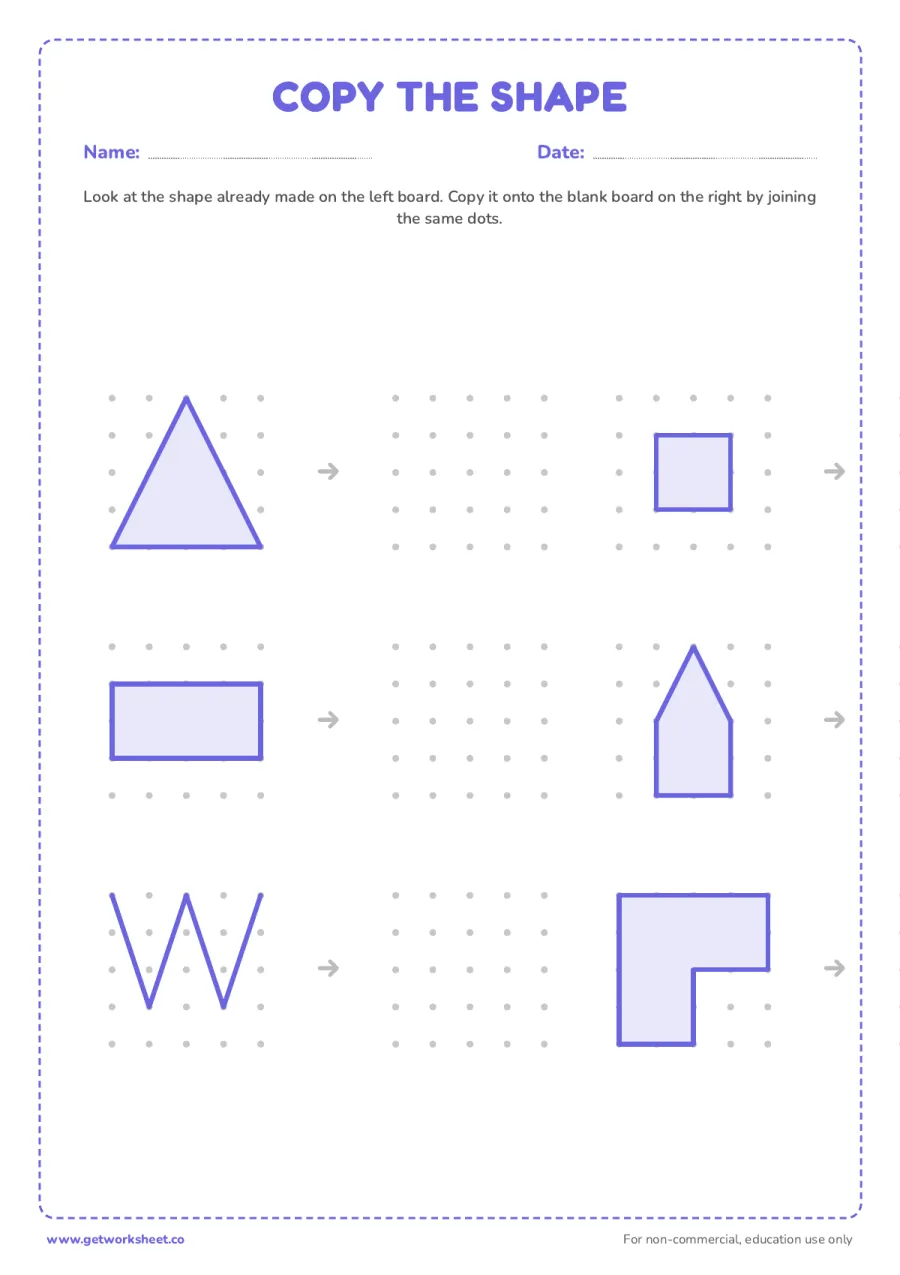
Copy the shape on a geoboard
Six shapes already made on a geoboard (triangle, square, rectangle, a house pentagon, a zigzag line and an L-shape) to copy onto six matching blank boards by joining the same dots. Free printable PDF.
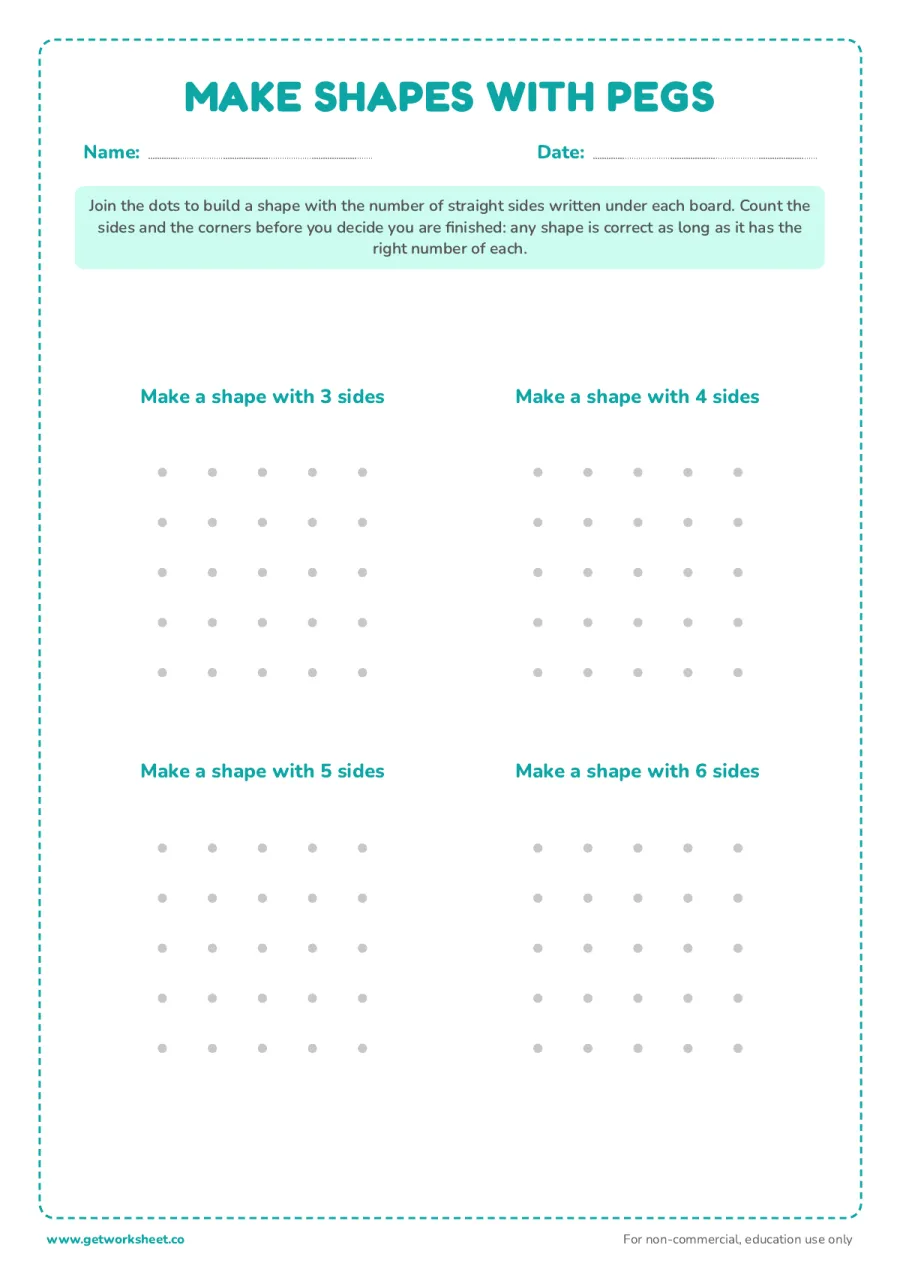
Make shapes with 3, 4, 5 and 6 sides
Four blank geoboards, each asking for a shape with a given number of straight sides. Open-ended: any shape with the right number of sides and corners is correct. Free printable PDF.
Whole set
All 4 in one PDF
- Every sheet on this page, one file
- No ads, no countdowns, print as often as you like
- Instant download, ad-free, no account needed
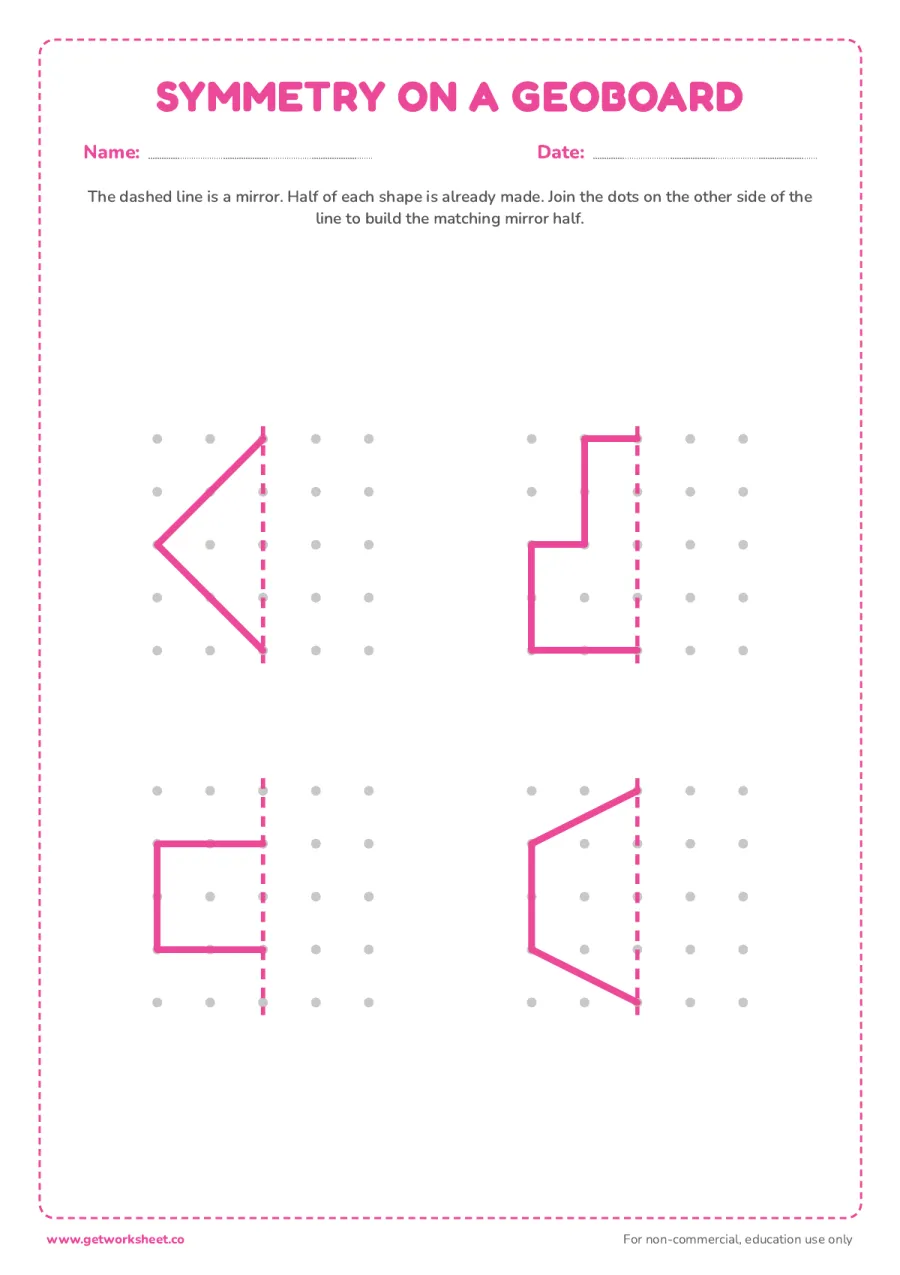
Symmetry on a geoboard
Four geoboards with half a shape already made against a dashed mirror line; join the dots on the other side to complete the symmetrical shape. Free printable PDF.
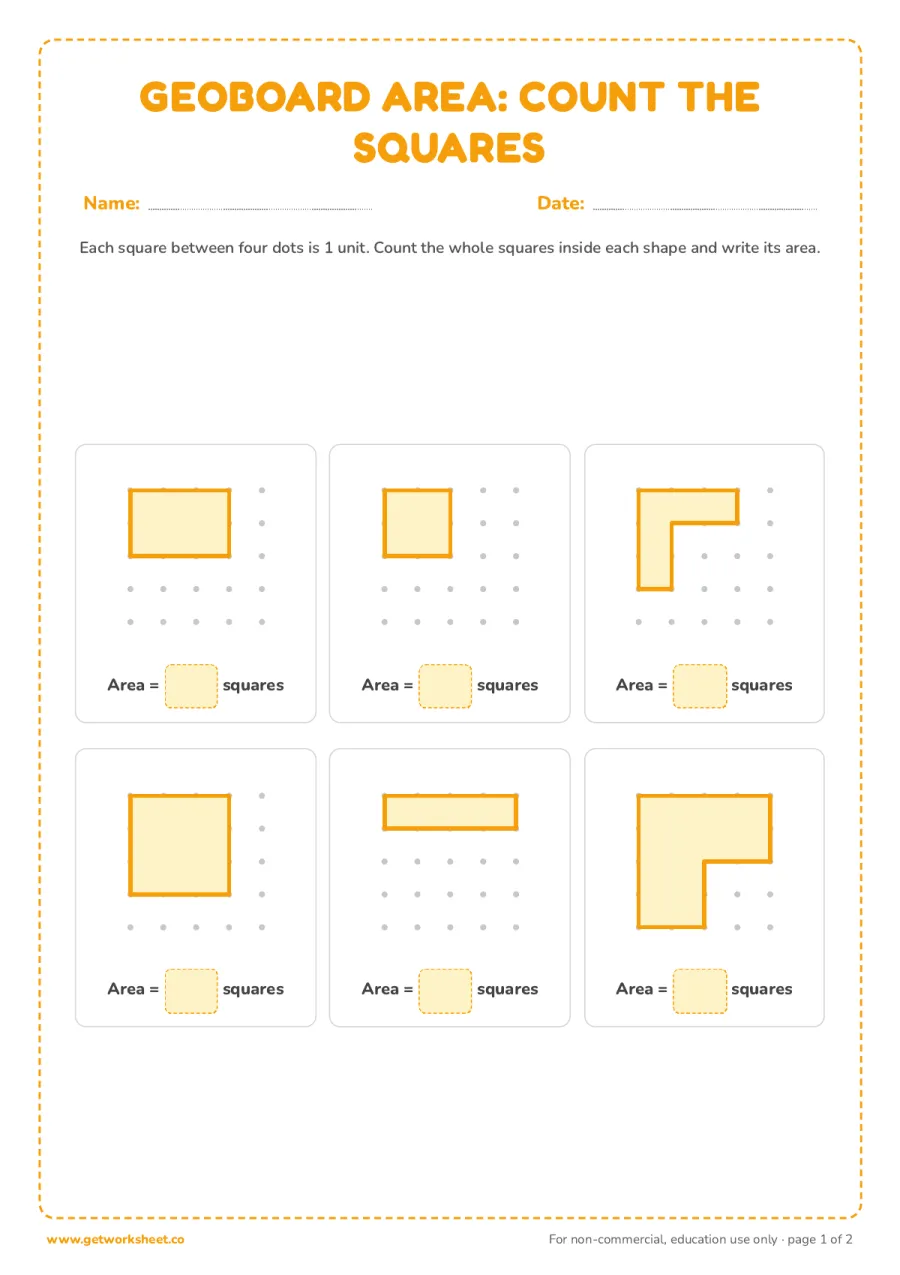
Geoboard area: count the squares
Six shapes on a geoboard grid; count the unit squares inside each one and write its area. Answer key on page 2. Free printable PDF.
AI worksheet generator
Make a worksheet like this for your class
The 4 sheets above are fixed. The generator writes a new geoboard worksheet for your grade, with the question types and count you choose, in about 20 seconds. Pick a grade to start:
What you get
- A fresh set of questions on geoboard, not a copy of the sheets above
- Multiple choice, fill in the blanks, true or false, open ended
- Answer key and print-ready PDF with Pro
Free account, 1 worksheets a week. No card.
A geoboard is a square board with a grid of pegs sticking up; a rubber band stretched between the pegs makes a shape, and moving the band is faster and less frustrating than erasing a pencil line. These four worksheets print the same 5 by 5 peg grid and ask the same thing a real geoboard asks: join the dots. No physical board is needed, a pencil or crayon does the job of the rubber band. The set moves from copying a shape dot by dot, to building a shape freely once a side count is given, to completing the mirror half of a symmetrical shape, to counting unit squares to find area. All four skills come straight from the kindergarten to grade 3 geometry standards.
What's in this set
- Copy the shape. Six shapes already made on a small geoboard (triangle, square, rectangle, a house pentagon, a zigzag line and an L-shape) next to six matching blank boards. Copy each one by joining the same dots.
- Make shapes with pegs. Four blank boards, each asking for a shape with a given number of straight sides: 3, 4, 5 and 6. Open-ended: there is no single correct shape, only a correct number of sides and corners.
- Symmetry on a geoboard. Four boards with a dashed mirror line down the middle and half a shape already made on one side. Join the dots on the other side to build the matching mirror half.
- Geoboard area: count the squares. Six shapes on a peg grid, each made of whole unit squares. Count the squares inside each shape and write the area. Answer key on page 2.
Free printable makers
Make your own geoboard sheets
Type your own words or numbers and print in about 30 seconds. No account, no AI, answer key where it applies.
 Math fact worksheet generatorAddition to division drills with an answer key. Free to print.
 Multiplication chart generatorCharts to 15, full, blank or coloured, and times table tests with key. Free to print.
 Telling time worksheet generatorAnalogue clocks to read, draw, match or add time to, with answer key. Free to print.
AI worksheet generator
Need a different geoboard worksheet?
Generate a custom geoboard worksheet: pick the grade, question types and count, and print it in about 20 seconds. Free accounts get 1 generation a week.
Teaching tips and common mistakes
How to use these worksheets
Print at 100% on A4 or US Letter. If you have a real geoboard and rubber bands at home, build each shape on the physical board first, then copy it onto the sheet; the two together teach the idea faster than either alone.
- Copy the shape. Point to one dot the shape touches on the left board, find the same dot position on the blank board, then draw the line between the next two dots the same way the model does. Corner by corner is more reliable than trying to copy the whole outline at once.
- Make shapes with pegs. Count the sides out loud as the pencil moves from dot to dot: a straight line between two dots is one side, and the pencil must return to where it started. Any closed shape with the right number of sides is correct, however odd-looking.
- Symmetry on a geoboard. Cover the finished half with a hand and ask "what would the mirror show here?" one dot at a time, starting from the dots that touch the line, since those usually match exactly on both sides.
- Area by counting squares. Point at the dots in rows and columns rather than letting the eye guess: counting the squares in one row, then multiplying by the number of rows, gets a rectangle right every time. For the L-shaped pieces, split the shape into two rectangles first.
Common mistakes to watch for
- A line that skips a dot. On a real geoboard the band cannot skip a peg without leaving a gap; on paper a skipped dot usually means the shape's side count is now wrong too. Check both at once.
- Counting spaces instead of squares, or the other way round. On the area sheet, remind the child that a square has four dots at its corners, not one dot in the middle; count the enclosed squares, not the dots.
- A "mirror" that is just a copy. On the symmetry sheet, check that the new half is a flip, not a repeat: a shape that leans right on the given side should lean left on the completed side.
- Curved lines. Every geoboard shape is made of straight segments between dots; a curve usually means the pencil wandered off a dot. Stop at every dot before changing direction.
Frequently asked questions
What is a geoboard?
A square board studded with a grid of pegs. A rubber band stretched between pegs makes a shape, which can be changed instantly by moving the band instead of erasing and redrawing. It is a classic hands-on tool for early geometry: sides, corners, symmetry and area.
Do I need a real geoboard to use these worksheets?
No. Every sheet prints the same 5 by 5 dot grid a real geoboard has, and a pencil or crayon line between two dots does the job a rubber band does on the physical board. If you do have a geoboard at home, building the shape on it first and then copying it onto the sheet reinforces the idea.
What age are these worksheets for?
Kindergarten to grade 3. Copying shapes and building shapes by side count are kindergarten and grade 1 skills (K.G.A.2, 1.G.A.1); the symmetry sheet suits grade 1 to 2 (reason-with-shapes standards); the area-by-counting-squares sheet matches the grade 3 standard for measuring area in unit squares (3.MD.C.5, 3.MD.C.6).
Do these worksheets have answer keys?
The area sheet has an answer key on page 2 of its PDF, since every area has one correct number. The other three sheets (copy the shape, make shapes with pegs, symmetry) have nothing to mark: any shape that matches the instruction is correct.
More geometry practice
Build the same early shapes by hand first with the shape tracing worksheets hub, which covers all ten shapes used on the geoboard copy sheet. For a different hands-on geometry material, see the pattern blocks worksheets, which build shapes by fitting flat tiles together instead of joining dots.
Free library
Related collections
Free pattern blocks worksheets
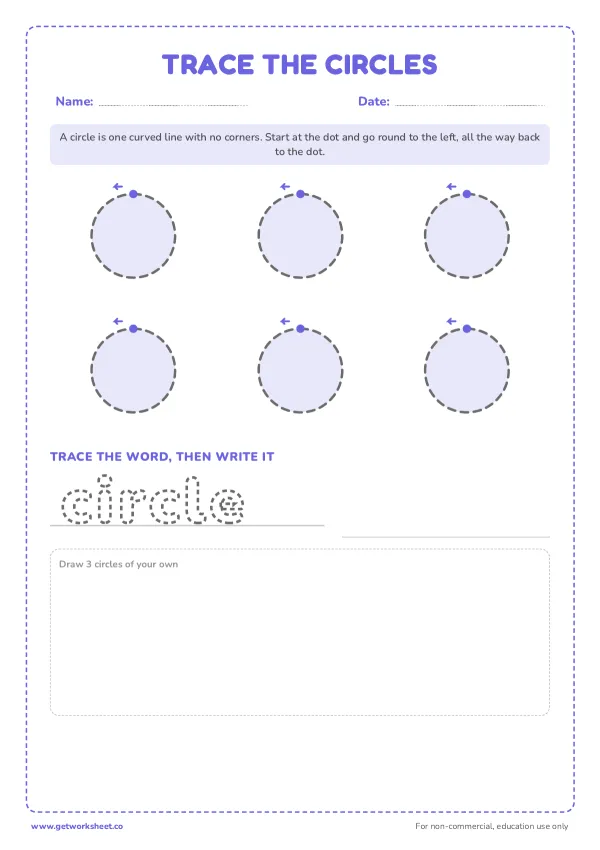
Free shape tracing worksheets
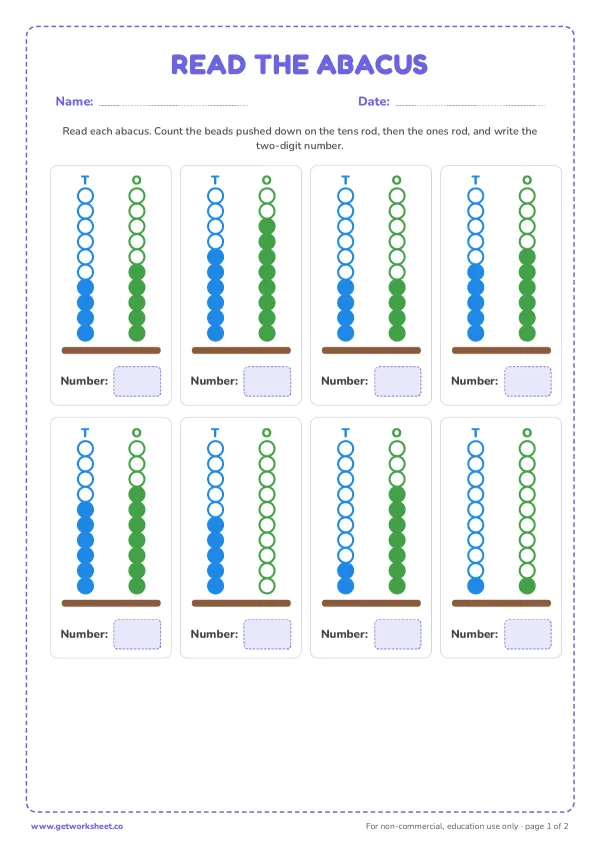
Free abacus worksheets
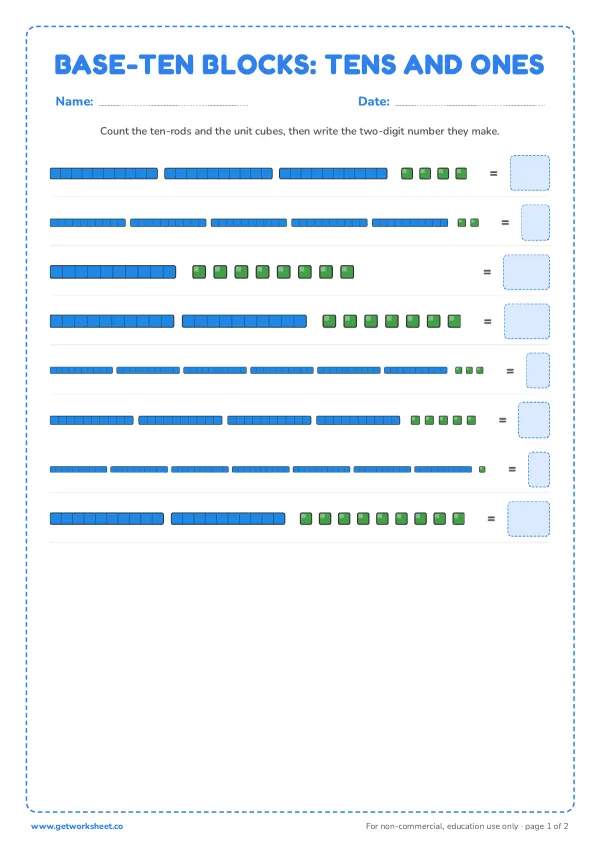
Free base ten blocks worksheets
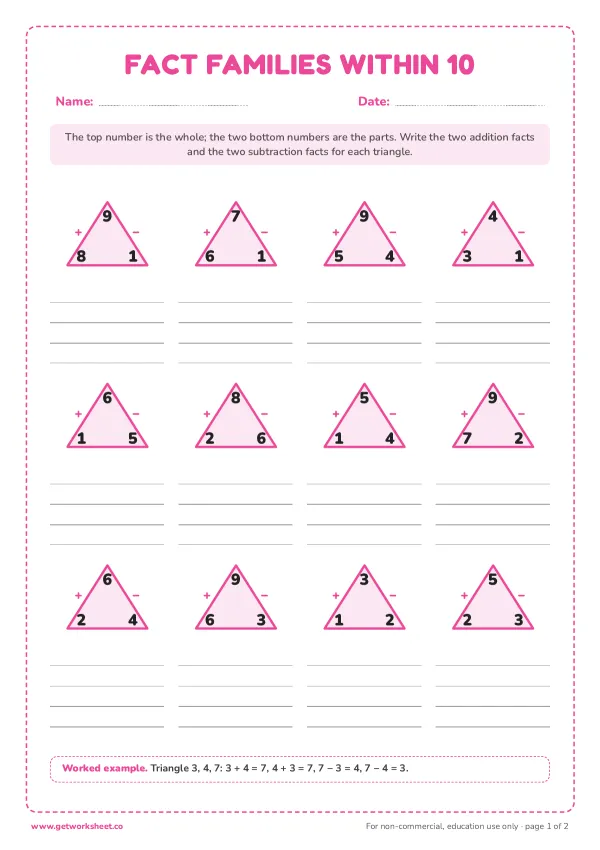
Free fact families worksheets
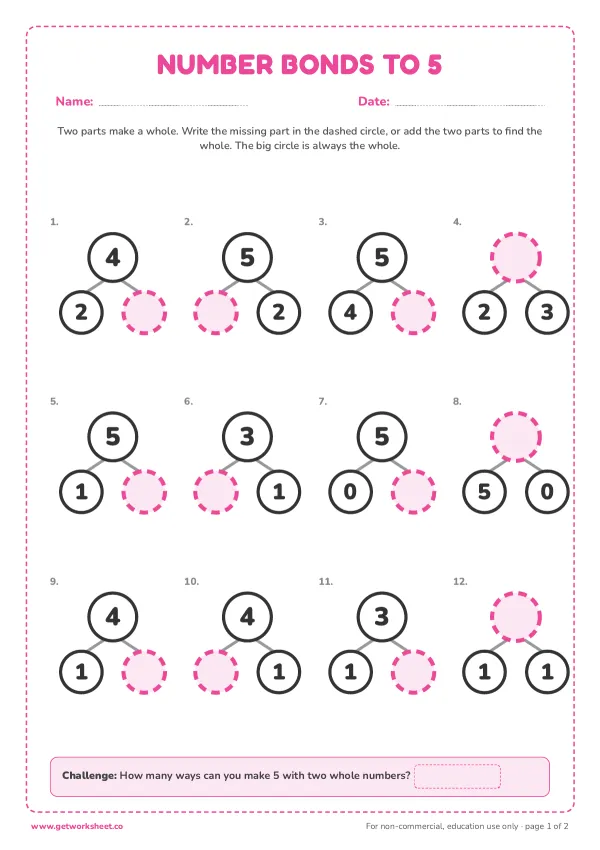
Free number bonds worksheets
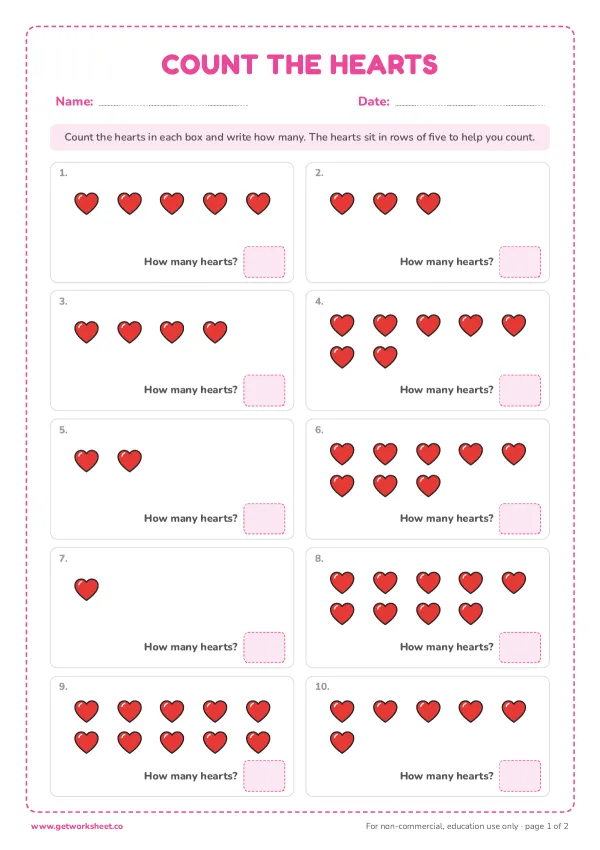
Free Valentine math worksheets
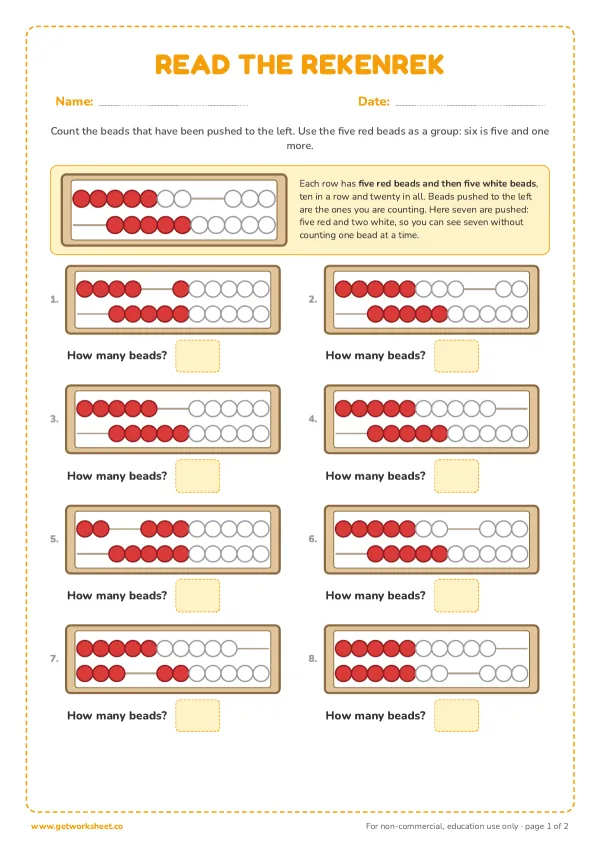
Free rekenrek worksheets
More worksheets
- Free Montessori geometric solids worksheets
- Free Montessori addition strip board worksheets
- Free 100th day of school worksheets
- Free winter break packet worksheets
- Free Thanksgiving math worksheets
- Free greater than less than worksheets
- Free number line printables
- Free Halloween math worksheets
- Free Christmas math worksheets
- Free hundreds chart worksheets
- Free ten frame worksheets
- Free Montessori teen board and ten board worksheets