Free printable maker
Certificate Maker
Award certificates for kids in a minute: a preset or custom title, every name in the class on its own page, five borders and colour palettes, a gold seal, signature lines. Prints landscape. Free, no account.
3 certificates, one per page.
Prints 3 landscape pages. In the print dialog choose “Background graphics” so the colours print. Free, no account.
Maple Grove Elementary · Grade 3
Certificate of Achievement
This certificate is proudly presented to
Ava Johnson
for outstanding effort and achievement in reading this term
Date
Teacher
Principal
Maple Grove Elementary · Grade 3
Certificate of Achievement
This certificate is proudly presented to
Liam Patel
for outstanding effort and achievement in reading this term
Date
Teacher
Principal
Maple Grove Elementary · Grade 3
Certificate of Achievement
This certificate is proudly presented to
Sofia Martinez
for outstanding effort and achievement in reading this term
Date
Teacher
Principal
getworksheet.co/tools/certificate-maker
Using the certificates
Making an award that means something
A certificate works when the child can read exactly what it is for. “Certificate of Achievement” on its own is wallpaper; “for reading twenty books this term” or “for helping a new classmate settle in” is something a seven-year-old will pin above the bed. Put the specific behaviour in the “for” line and keep the title short. The eight presets cover the usual end-of-term awards; type your own for anything else, from “Times Tables Champion” to “Quiet Reader of the Week”.
One certificate per student, same wording. Paste the class list into the names box and the maker produces a page for each child with identical layout, so nobody's award looks like an afterthought. Long names shrink to fit on one line rather than wrapping. If you want different “for” lines for different children, print them in small batches: change the line, replace the names, print again.
The border themes are drawn as vector graphics, so they stay sharp at any size and print cleanly on an ordinary classroom printer. Classic double rule and laurel suit formal awards and older students; stars and confetti are for the early grades; the ribbon banner carries the title boldly for an assembly presentation. Each theme comes in five palettes: the site violet, navy and gold, forest, burgundy and a plain slate for black-and-white printers.
Printing tips: the page is already set to landscape, so leave the orientation alone in the dialog and tick “Background graphics” so the colours print. Card stock of 160 to 200 gsm feeds through most office printers and feels like a real award; sign in pen after printing rather than typing a signature. For a certificate folder or frame, choose A4 or Letter to match what you have.
Ideas: a reading award to close a book challenge, paired with the free reward chart maker that tracked the books; a Super Speller certificate after the last test of the term alongside the word search maker puzzle of the same list; a Kindness Award chosen by the class by secret vote; and a perfect attendance certificate each half term rather than once a year, so it is still within reach in February.
Printing other classroom paperwork? The seating chart maker takes the same class list, and the weekly planner prints the week grid for your desk. For a child's first day there is a first day of school sign to hold up in the photo.
How it works
How to make an award certificate
Three steps from a class list to a stack of certificates.
- 1
Choose the award
Click a preset title or type your own, then write the "for" line: what the child did to earn it.
- 2
Add the names
One name per line, up to 30. Fill in the date, the school or class line and one or two signature labels.
- 3
Pick a look and print
Choose a border theme and colour palette, keep or hide the seal, then print landscape on card stock or save as a PDF.
Good questions.
Something else? hello@getworksheet.co
Yes. Choose a title, type the names, pick a border and print or save as a PDF. No account, no watermark, no limit on how many you print. Everything is built in your browser, so the names never leave your computer.
Yes. Type up to 30 names, one per line, and the maker lays out one certificate per page with the same title, wording, date and signatures. Long names shrink to stay on one line. Leave the names box empty to print a blank certificate you can fill in by hand.
Eight one-click titles (Certificate of Achievement, Star Student, Reading Award, Perfect Attendance, Kindness Award, Participation, Most Improved, Super Speller) or type your own. Five borders drawn with vector graphics (classic double rule, stars, confetti dots, laurel, ribbon) in five colour palettes, with an optional gold seal and ribbons.
Yes. The page is set to landscape US Letter or A4 automatically, so you do not have to change the orientation in the print dialog. Tick "Background graphics" in the print options so the coloured border and seal print; on most printers plain card stock between 160 and 200 gsm gives the best result.
Yes. Choose "Save as PDF" as the printer in the print dialog. A batch of names becomes one multi-page PDF; a single name becomes a one-page file named after the certificate and the child.
More free printable makers
More sheets you can make right now
Each of these builds the printable in your browser: no account, no AI, no weekly limit, an answer key where one applies.
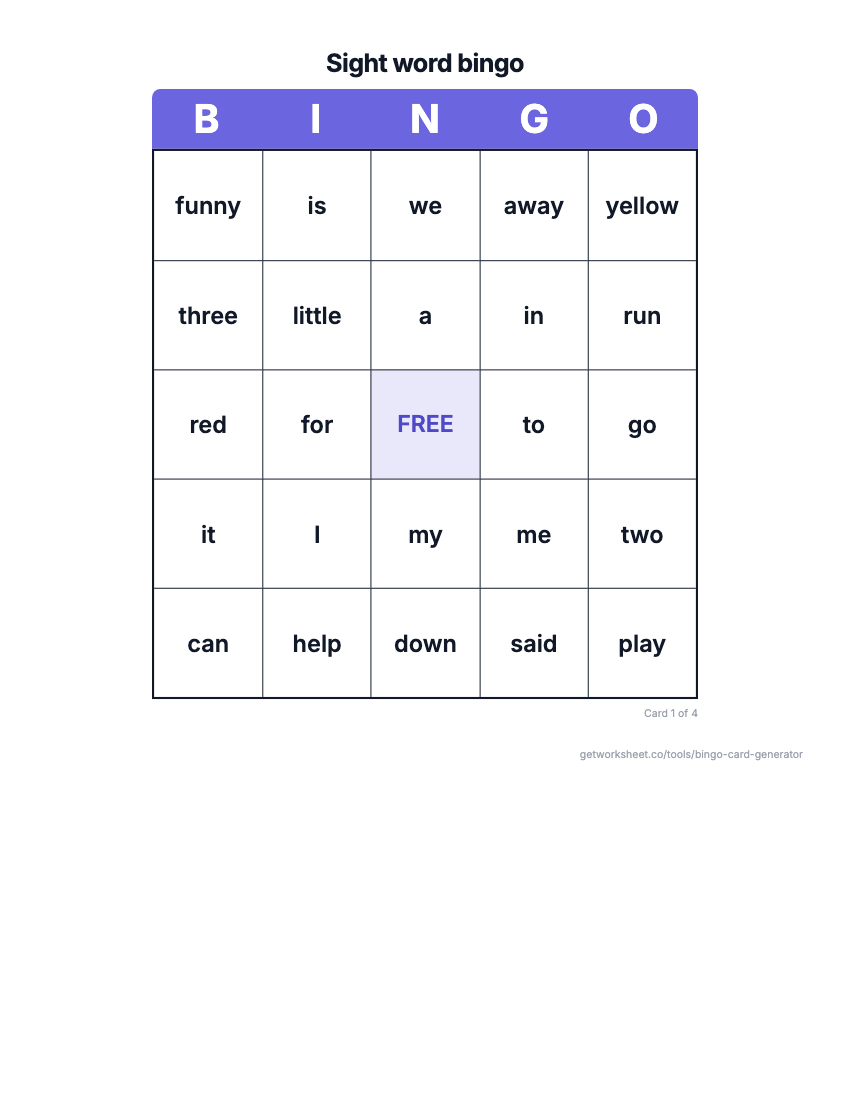 Bingo card generatorSight word, number, math fact or custom bingo cards with a call sheet. Free to print.
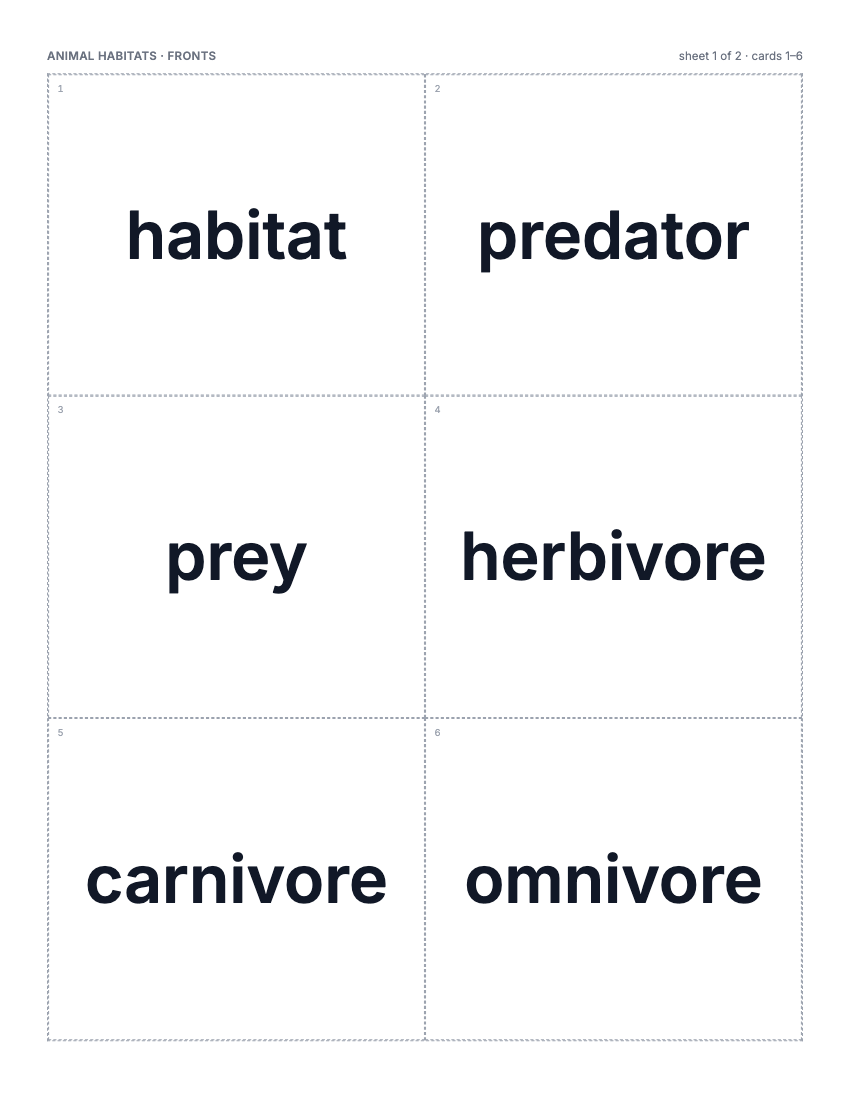 Flashcard makerVocabulary, math fact or sight word cards, 2-8 a page, two-sided or fold-over. Free to print.
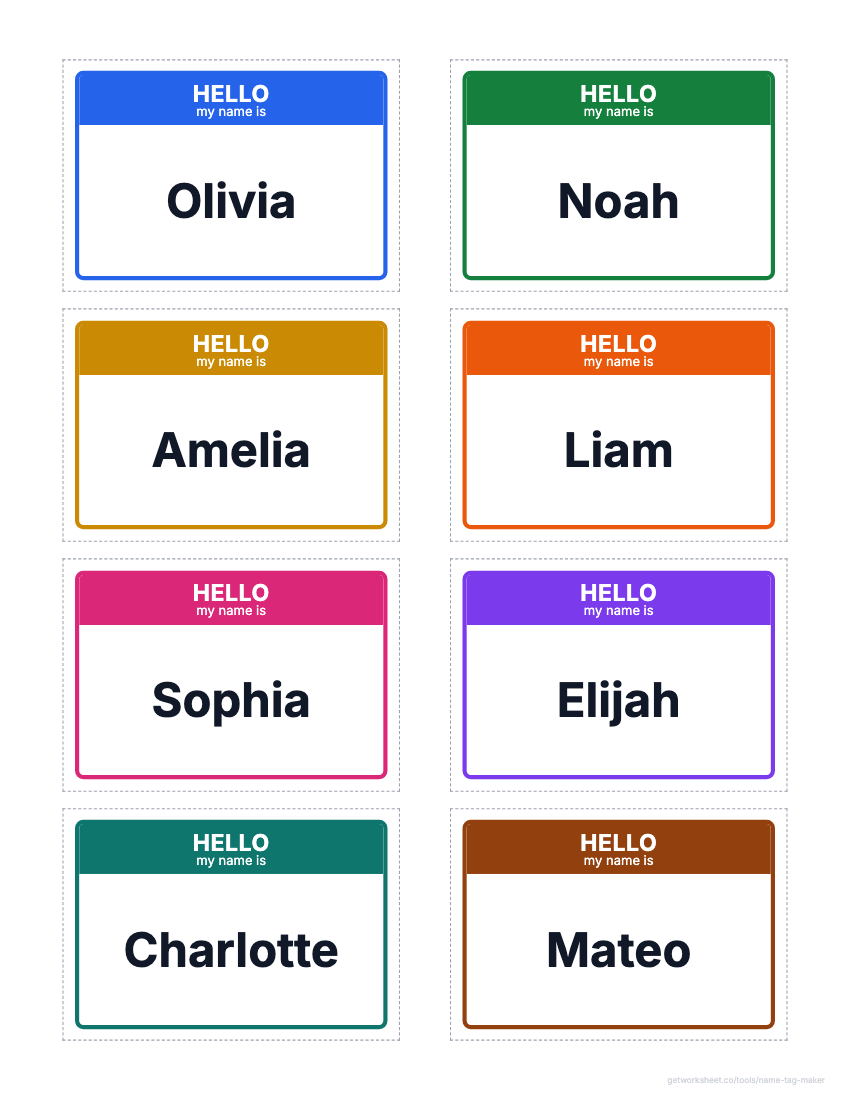 Name tag and label makerDesk name plates, name tags, labels and locker tags from a class list, on Avery grids. Free to print.
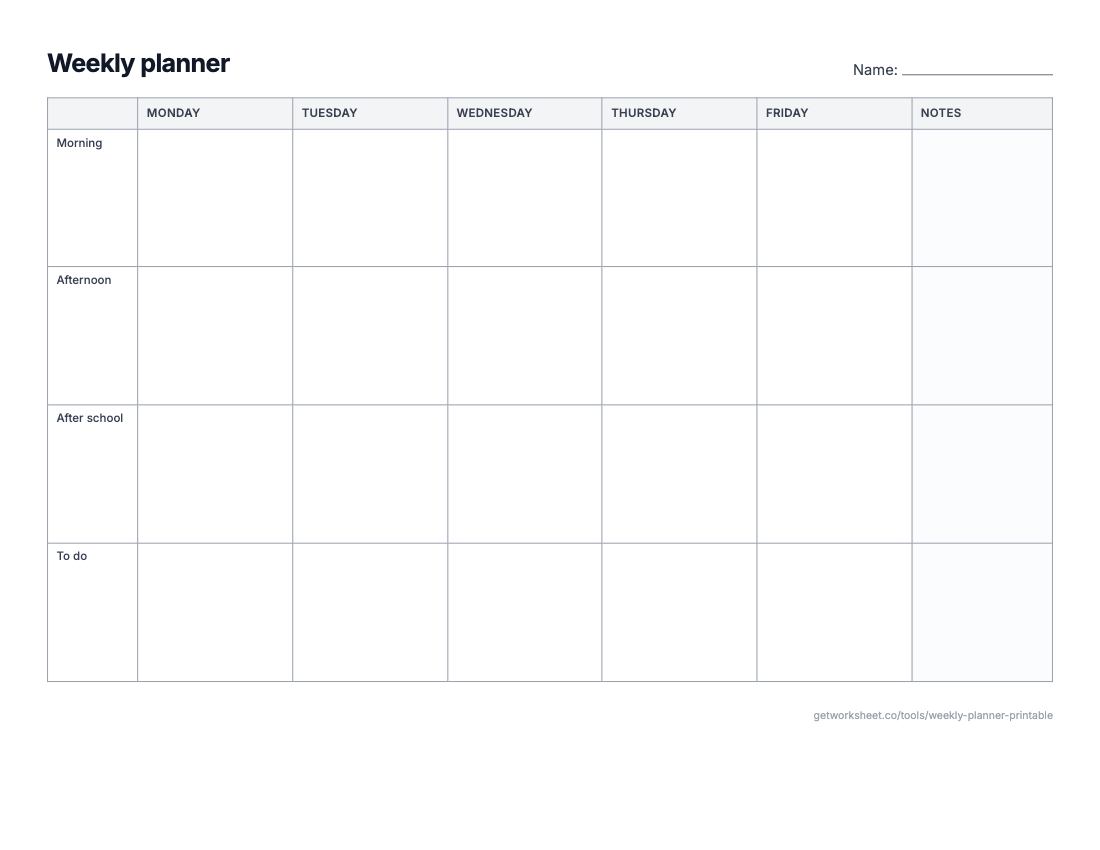 Weekly planner and calendar makerWeekly planner, monthly calendar, daily schedule or lesson-plan grid on one sheet. Free to print.
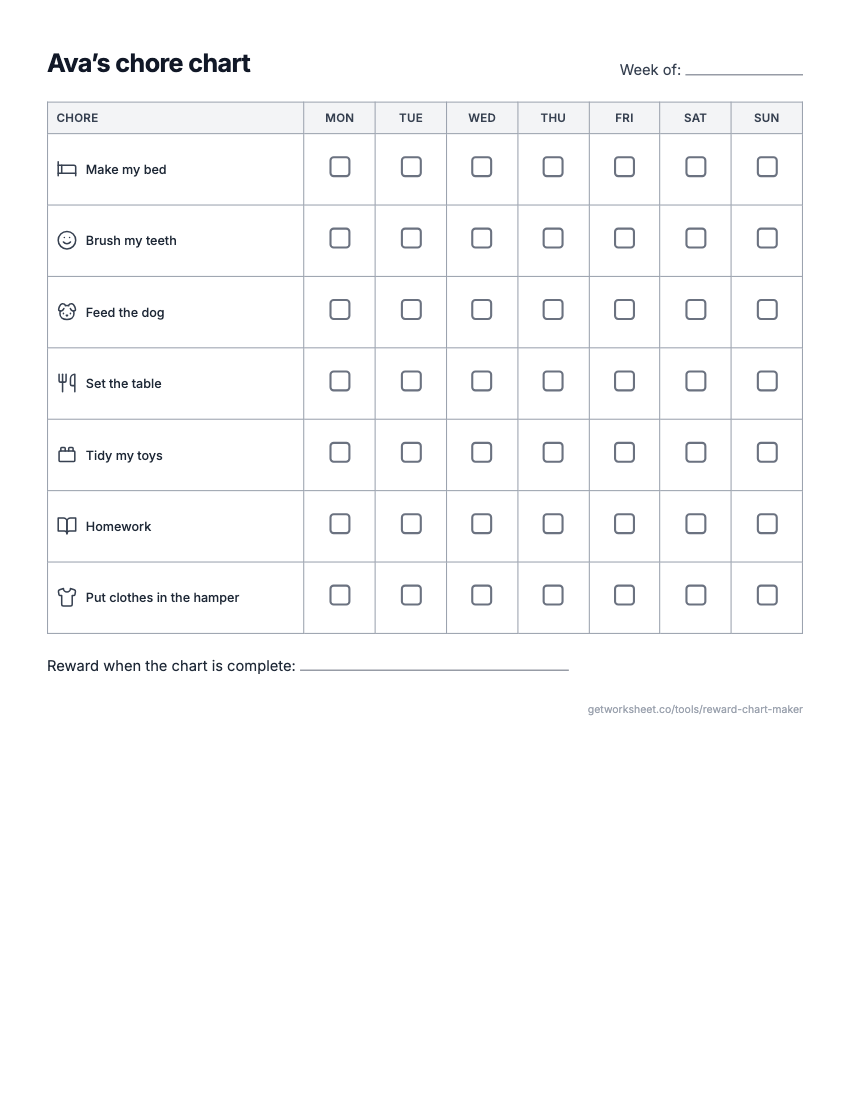 Reward chart and chore chart makerReward or sticker chart with a goal, Mon-Sun chore chart with pictures, behavior chart. Free to print.
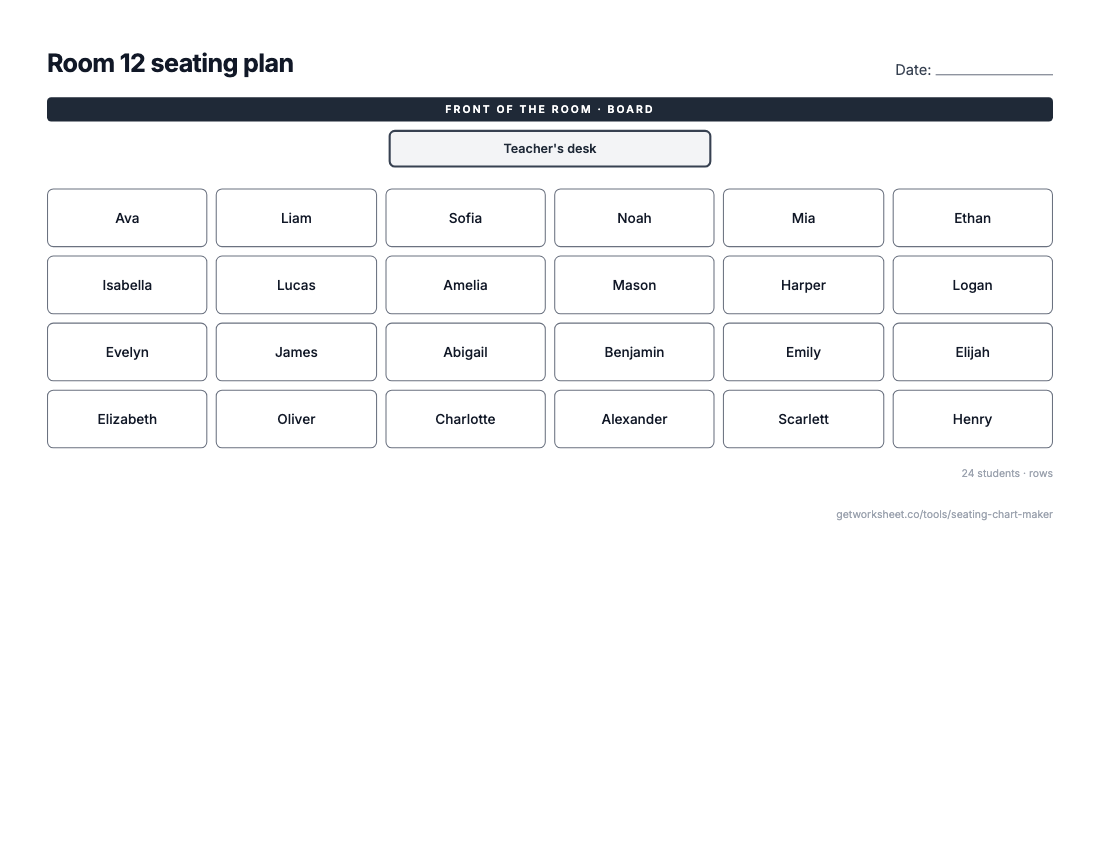 Seating chart makerClass list in, seating plan out: rows, pairs, tables or U-shape, shuffle and lock seats. Free to print.
- Worksheet generatorCustom worksheets for any topic, grade and question type.
- Lesson plan generatorStandards-aligned plans with objectives, activities and assessment.
- Report card commentsPersonalised, professional comments for every student.