Free printable maker
Weekly Planner and Calendar Maker
A weekly planner, a monthly calendar for any month, a daily schedule or a lesson-plan grid, sized to fill one sheet in portrait or landscape. Free, no account.
Prints one landscape page sized to the sheet. Free, no account.
Weekly planner
Name:| Monday | Tuesday | Wednesday | Thursday | Friday | Notes | |
|---|---|---|---|---|---|---|
| Morning | ||||||
| Afternoon | ||||||
| After school | ||||||
| To do |
getworksheet.co/tools/weekly-planner-printable
Using the planners
Choosing the grid that matches how you plan
Most planners fail because the boxes are the wrong shape for the thinking. A teacher who plans by subject needs subjects down the side and days across; a family needs days across and people or times down; a student needs a week at a glance with room for a to-do list. Pick the layout first, then shrink or grow the rows: the maker sizes every row to fill exactly one sheet, so four blocks a day gives deep boxes and a 30-minute timetable from 8 to 4 gives sixteen slim ones.
Weekly planner. Mon–Fri for school, Mon–Sun for home. “Free blocks” with your own labels (Morning, Afternoon, After school, To do) suits most families; “Time slots” suits anyone who books their day by the hour. Set the “Week of” date and the headers carry the dates; leave it blank to print a stack of undated weeks at the start of term.
Monthly calendar. Pick the month and year and the 1st falls on its true weekday, with the empty leading and trailing cells shaded. Start the week on Sunday (the US convention) or Monday, shade the weekend columns, and keep the notes column for birthdays, dates due and reminders. Cells are left blank rather than pre-printed with holidays, so the same sheet works in any country and any school district.
Daily schedule and timetable. Type each period as a time followed by its name (“8:30 Morning meeting”). The daily version lists the periods with a notes column for materials, which is the sheet to leave for a substitute. Tick “Timetable” and the same periods become rows against Monday to Friday, a classic specials timetable to tape inside the cupboard door.
Lesson planner. Subjects as rows, school days as columns, with a faint “Objective · Activity · Assess” hint in each cell and a notes row underneath. In landscape it is the familiar week-at-a-glance teacher plan; portrait gives deeper cells if you write a lot. When a lesson needs more than a cell, the lesson plan generator drafts the full page.
For children, pair a planner with a picture-based visual schedule that shows the day in order, or a chore chart with the same Mon–Sun columns. Students learning to read a clock can practise with the telling time worksheets, and the time management worksheets turn a blank week into a planning lesson.
How it works
How to print a weekly planner or calendar
Three steps to a planner that fits one sheet.
- 1
Pick a layout
Weekly planner, monthly calendar, daily schedule or lesson planner. Give it a title or let the maker name it from the dates.
- 2
Set the grid
Days, time slots or block labels, the month and year, your periods or subjects. Add or drop the notes column.
- 3
Print
Portrait or landscape, Letter or A4. The rows stretch to fill one sheet. Print or save as PDF.
Good questions.
Something else? hello@getworksheet.co
Yes. Pick a layout, set the days and rows, print or save as a PDF. No account and no watermark. The page is drawn in your browser, so nothing is uploaded.
Four: a weekly planner (Mon–Fri or Mon–Sun columns with free blocks or time slots and an optional notes column), a monthly calendar for any month and year with the days on the correct weekdays, a daily schedule listing periods with their times (or a Mon–Fri timetable with the periods as rows), and a lesson planner with your subjects down the side and the five school days across.
Yes. Choose the month and year and the 1st lands on its real weekday, with the leading and trailing cells shaded. You can start the week on Sunday or Monday and shade the weekend columns. Holiday names are left out so the cells stay blank for your own notes.
Yes. Set "Week of" to any date in the week and the Monday-to-Friday (or Sunday) headers show the dates, and the title becomes "Week of October 12, 2026". Leave it empty for an undated planner you can photocopy.
Either. The page orientation is set for you in the print settings, and the rows are sized to fill the sheet: a landscape week with seven columns, or a portrait month with six weeks. US Letter and A4 are both supported.
More free printable makers
More sheets you can make right now
Each of these builds the printable in your browser: no account, no AI, no weekly limit, an answer key where one applies.
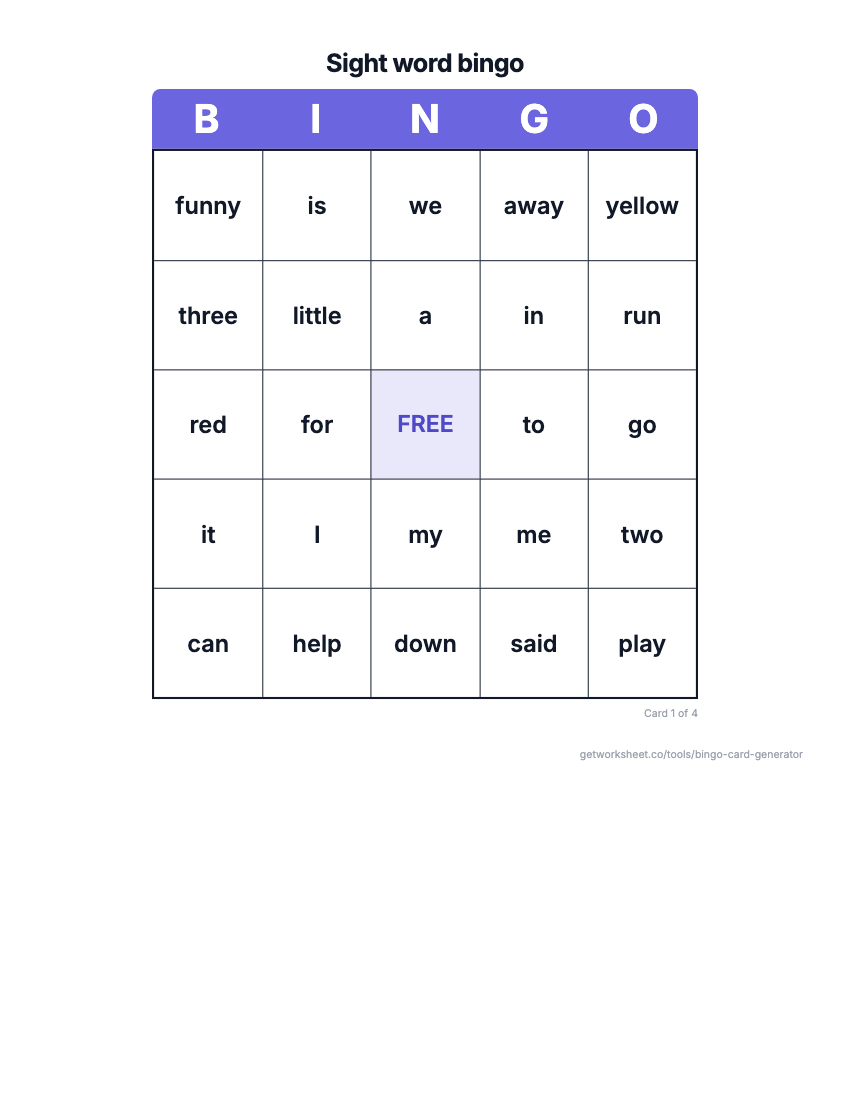 Bingo card generatorSight word, number, math fact or custom bingo cards with a call sheet. Free to print.
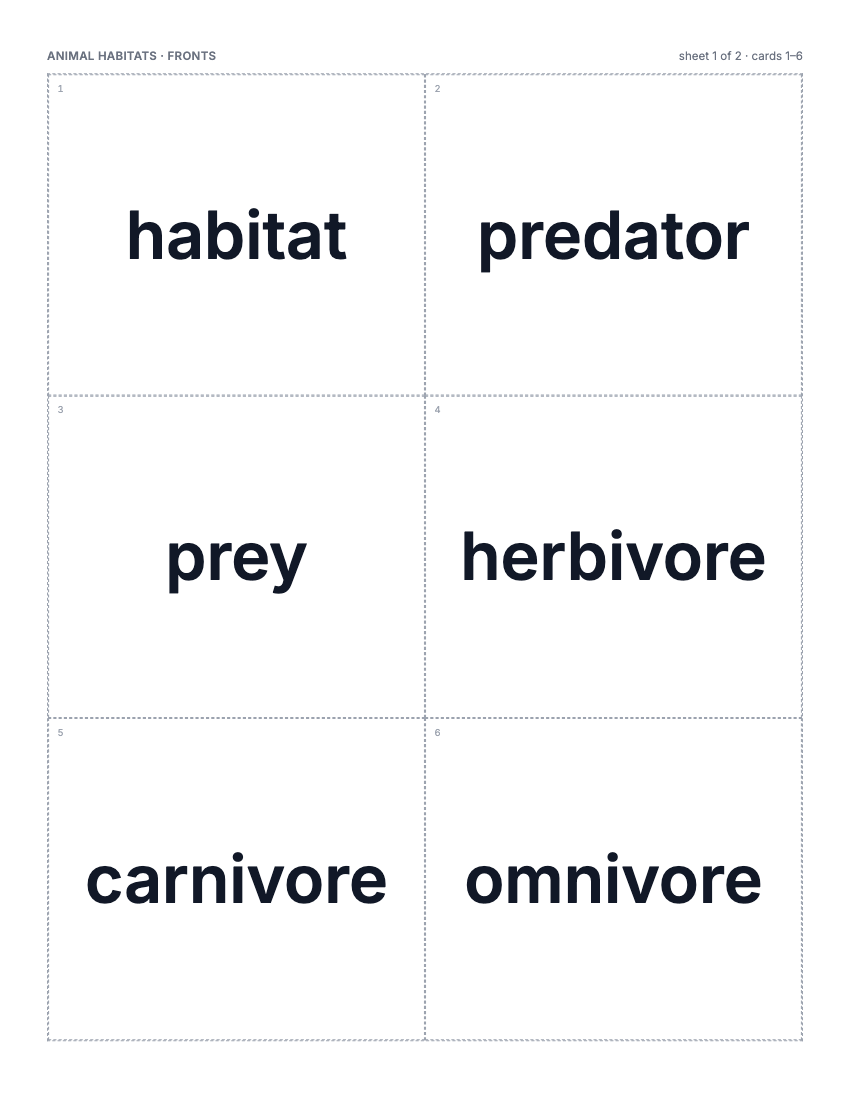 Flashcard makerVocabulary, math fact or sight word cards, 2-8 a page, two-sided or fold-over. Free to print.
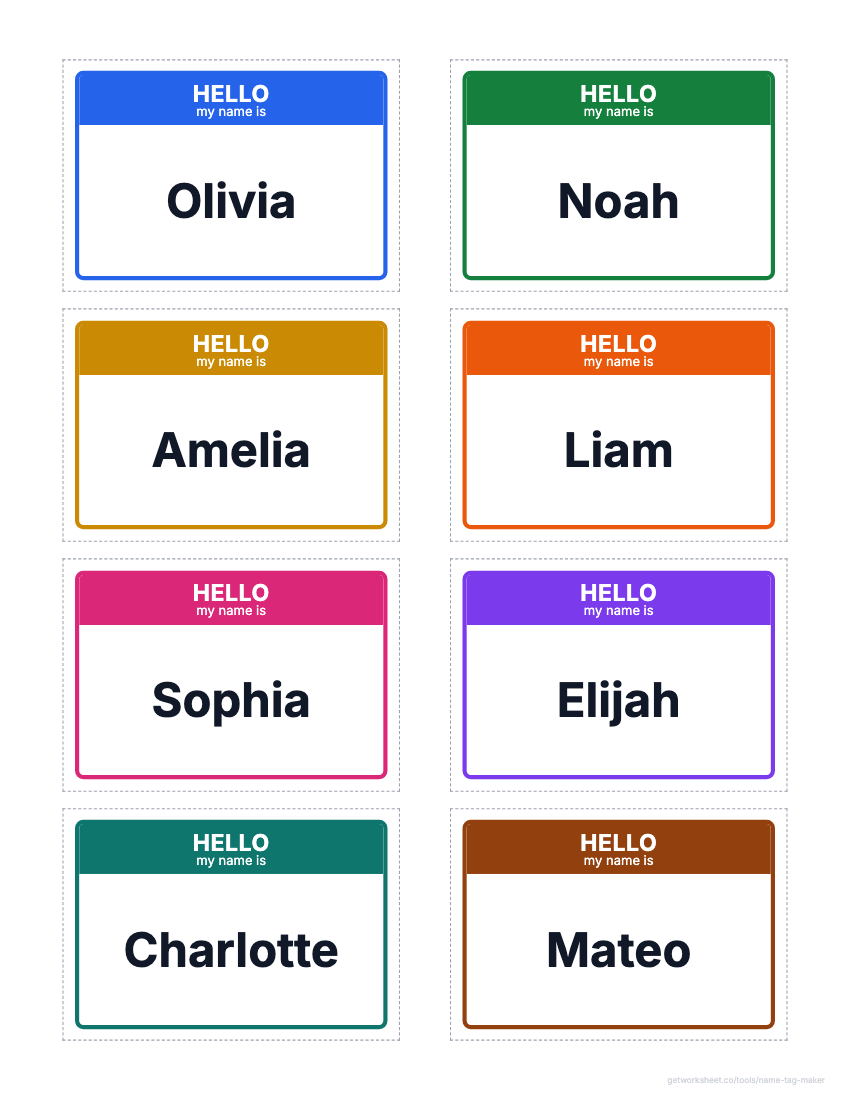 Name tag and label makerDesk name plates, name tags, labels and locker tags from a class list, on Avery grids. Free to print.
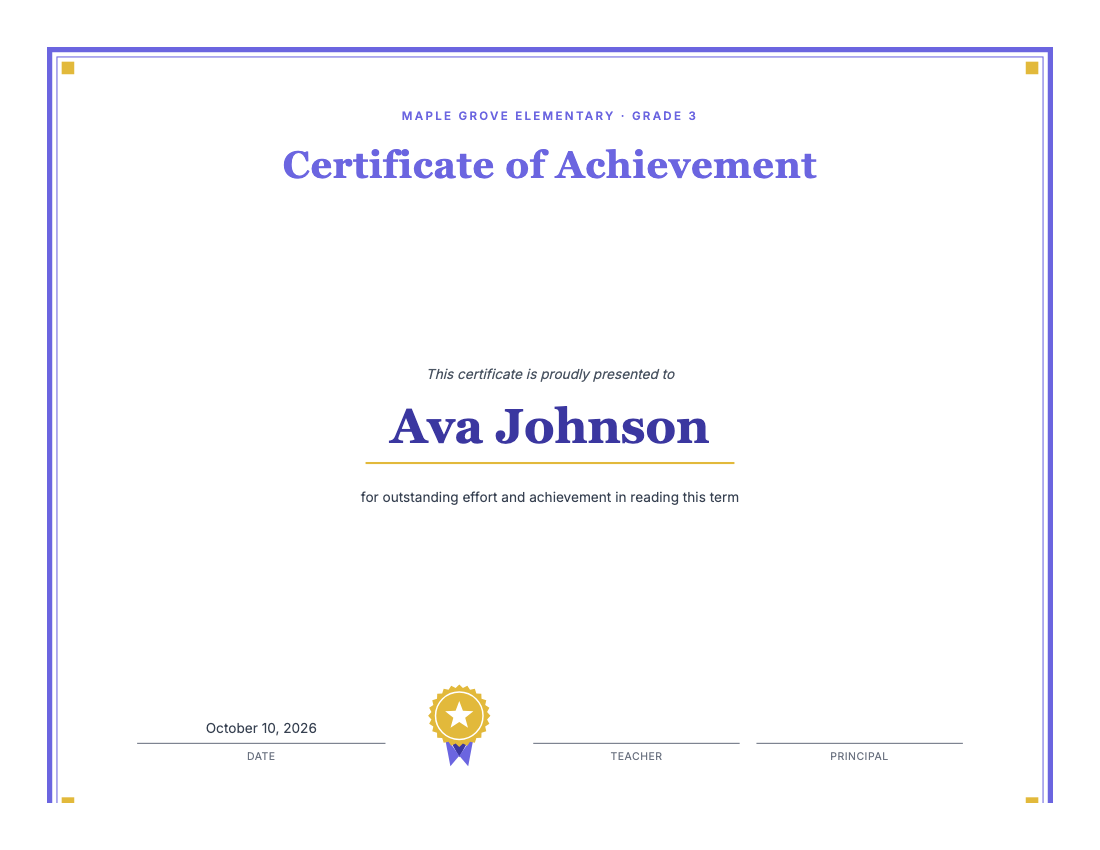 Certificate makerAward certificates for kids: preset titles, one name per page, borders, seal. Free to print.
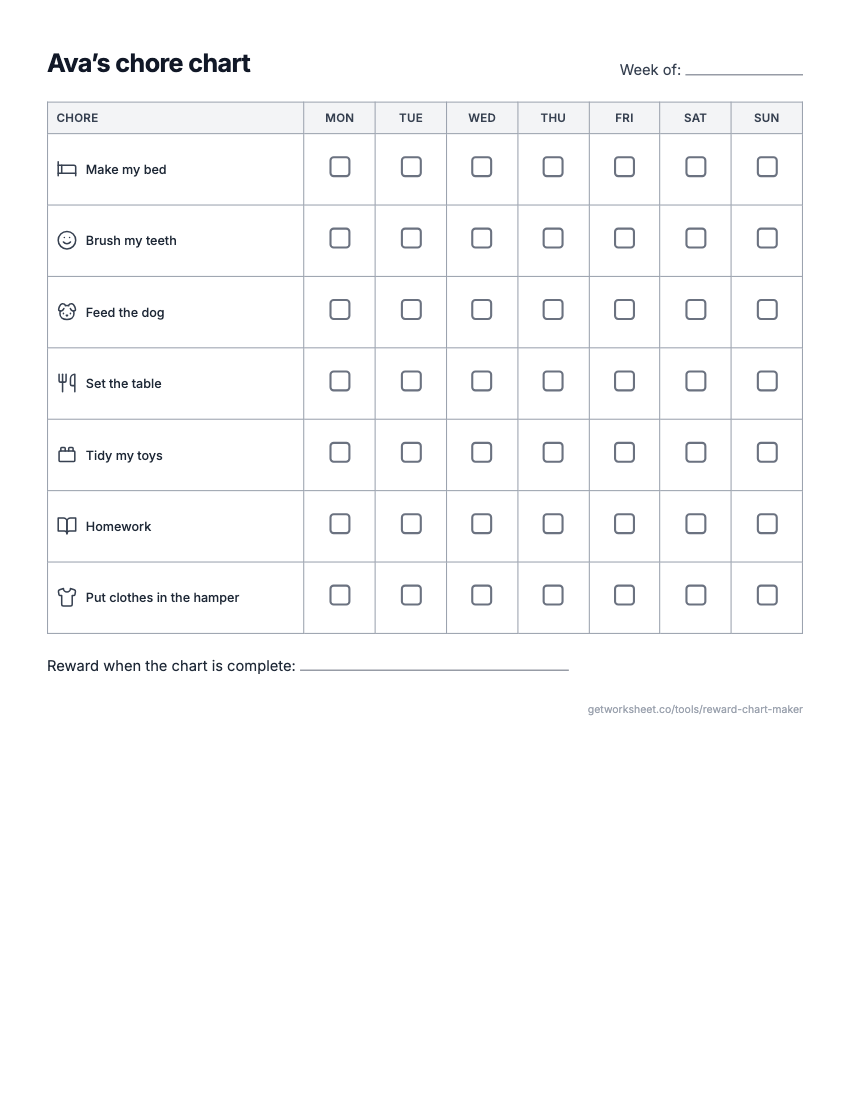 Reward chart and chore chart makerReward or sticker chart with a goal, Mon-Sun chore chart with pictures, behavior chart. Free to print.
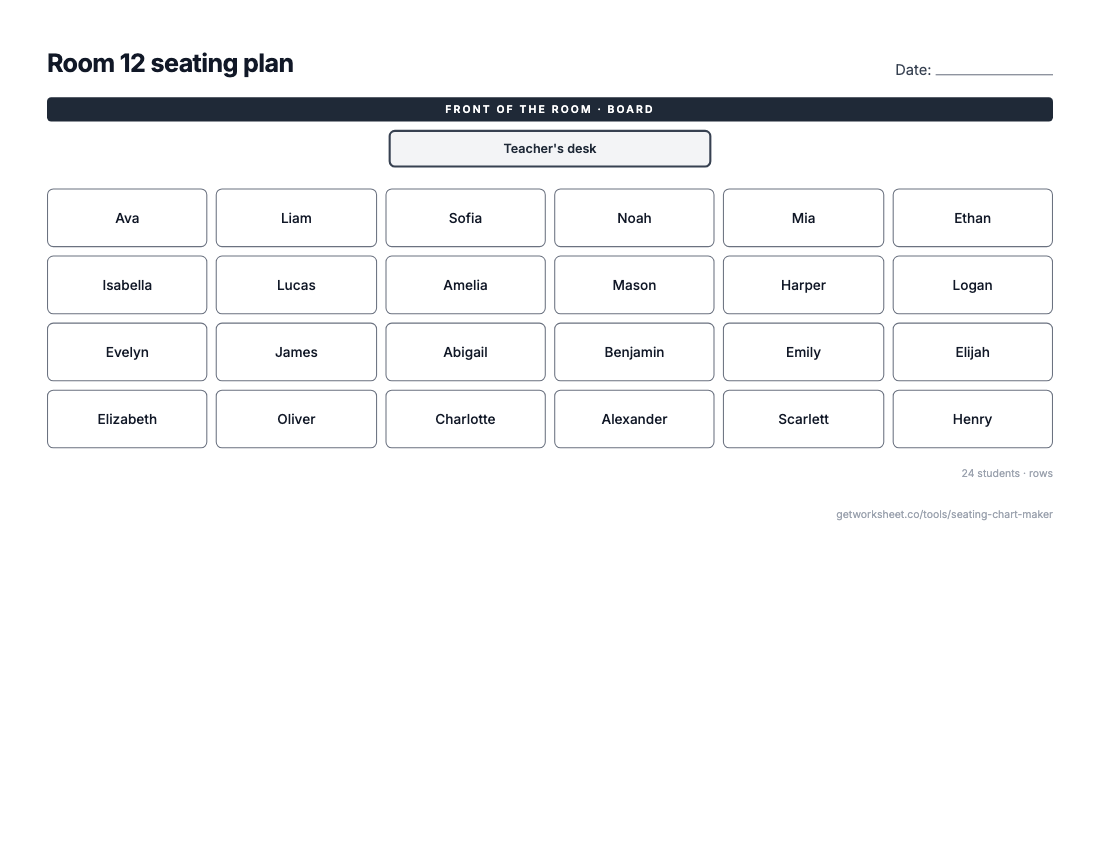 Seating chart makerClass list in, seating plan out: rows, pairs, tables or U-shape, shuffle and lock seats. Free to print.
- Worksheet generatorCustom worksheets for any topic, grade and question type.
- Lesson plan generatorStandards-aligned plans with objectives, activities and assessment.
- Report card commentsPersonalised, professional comments for every student.