Free printable maker
Flashcard Maker
Type a word on each line with its definition, or pick math facts or Dolch sight words, and print flashcards with cut guides: two, four, six or eight a page, two-sided or fold-over. Free, no account.
Fronts on one page, backs mirrored on the next. Print double-sided, flip on the long edge, then cut along the dashed lines.
getworksheet.co/tools/flashcard-maker
Using the cards
Getting the most from a set of flashcards
Flashcards work because of retrieval: the child sees the front, produces the answer from memory, then turns the card to check. A worksheet shows the answer alongside; a card hides it. Keep that in mind when writing the backs. A definition the child can say in their own words beats a dictionary sentence, and for math facts the back should carry only the answer so the check is instant.
Vocabulary cards: word on the front, a short definition on the back, one card per line as word | definition. Eight to twelve new words a week is plenty. Add a picture or an example sentence by hand after printing if the word is abstract. Math facts: choose the operation and the range, and set both numbers to the same value (7 to 7) to drill a single table. Sort the printed cards into “knows” and “not yet” piles and only repeat the second pile.
Sight words are recognised, not sounded out, so these cards are read at speed: hold each one for about a second, and move words the child hesitates on to the front of the deck. The Dolch lists are grouped by the grade they are usually taught in; start with pre-primer and move up only when a list is read without stumbling.
Choosing a size: two per page makes large cards for the whole class to see from the carpet; four per page suits small-group work; six and eight per page make pocket decks for a child to take home. Printing on card stock, or on paper and laminating, makes the cards last a term. Keep each child's deck in an envelope with their name on it; the index number on each card helps put a dropped deck back in order.
Two-sided or fold-over? If your printer prints double-sided reliably, the two-sided layout gives the classic card with the answer on the back. If duplex alignment is a struggle, fold-over cards avoid it entirely: the back prints on the same side of the paper, upside down, and folds behind the front. A glue stick or a staple at the fold keeps them closed.
Ready-made card sets are in the number flashcards and shapes flashcards collections, and the sight words worksheets give the same words as practice pages. For timed drill sheets of the facts on these cards, use the math fact worksheet generator; for a puzzle from the same vocabulary list, the word search maker.
How it works
How to make printable flashcards
Three steps from a list to a cut deck.
- 1
Add the cards
Type one card per line as front | back, or pick the Math facts or Sight words preset to generate a set.
- 2
Choose size and layout
2, 4, 6 or 8 cards per page; two-sided (fronts then mirrored backs), fold-over, or fronts only. Add index numbers if you like.
- 3
Print and cut
Letter or A4. Print double-sided for the two-sided layout, then cut along the thin dashed lines. Card stock makes them last.
Good questions.
Something else? hello@getworksheet.co
Yes. Type the cards, pick a size and layout and print or save as a PDF. There is no account, no watermark and no limit on sets. Everything is drawn in your browser; nothing is uploaded.
The two-sided layout prints the fronts on one page and the matching backs on the next, with each row of backs mirrored left to right. When the sheet is turned over along its long edge, card 2 on the back lands behind card 2 on the front. Print double-sided with "flip on long edge" (the default for portrait pages), or print the fronts, feed the sheet back in, and print the backs on the reverse. Cut along the dashed lines last, after checking one card.
Fold-over cards print the front on the top half of each card and the back, upside down, on the bottom half. Cut out the card, fold it along the dashed middle line, and the back reads the right way up when you flip the card over the top edge. It avoids duplex printing and lines up every time, at the cost of a card half as tall.
Two, four, six or eight cards per page. On Letter paper with normal margins, 2 per page gives cards about 7 by 4.5 inches, 4 per page about 3.5 by 4.5, 6 per page about 3.5 by 3, and 8 per page about 3.5 by 2.3 inches, close to a standard index card. Text shrinks to fit the card, so long definitions still fit at 8 per page, just in smaller type.
Yes. The Math facts preset generates cards for addition, subtraction, multiplication or division over a number range (facts to 10, to 20, the 1 to 12 tables, or one table at a time), with the answer on the back and no repeats. The Sight words preset loads the Dolch pre-primer to third grade lists and the 95 Dolch nouns, one word per card.
More free printable makers
More sheets you can make right now
Each of these builds the printable in your browser: no account, no AI, no weekly limit, an answer key where one applies.
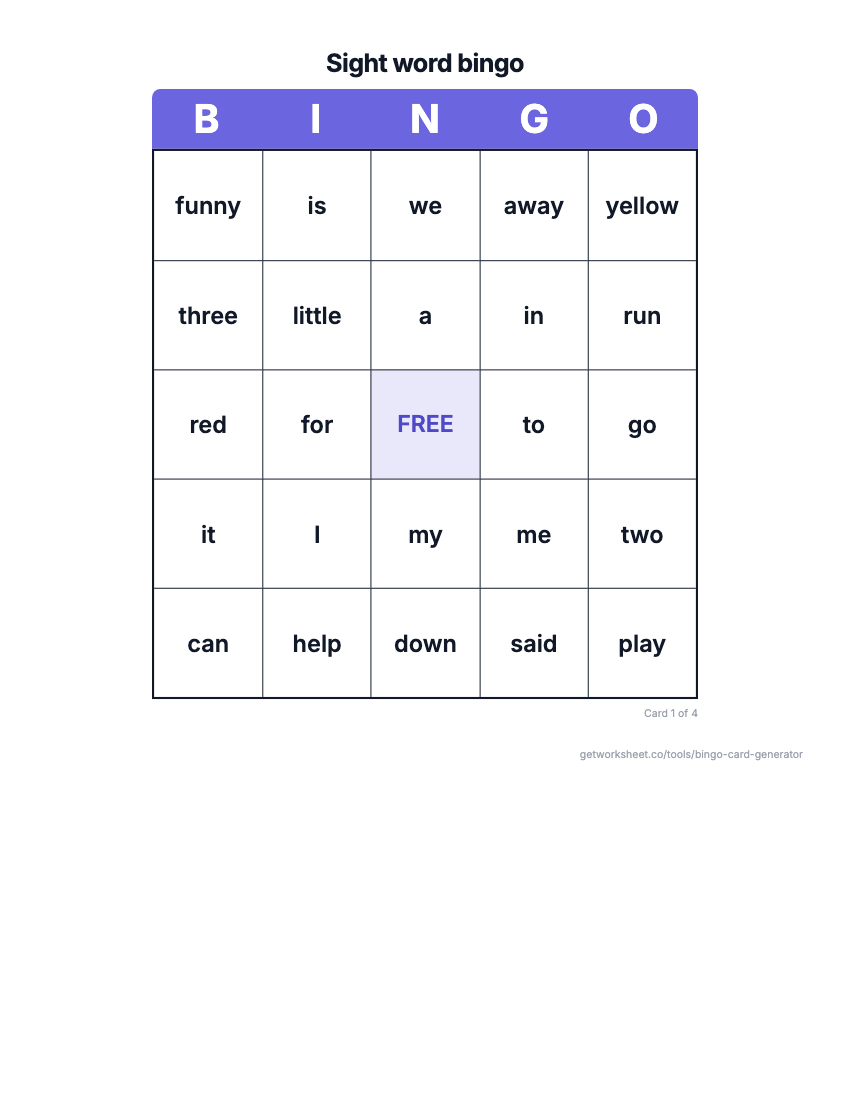 Bingo card generatorSight word, number, math fact or custom bingo cards with a call sheet. Free to print.
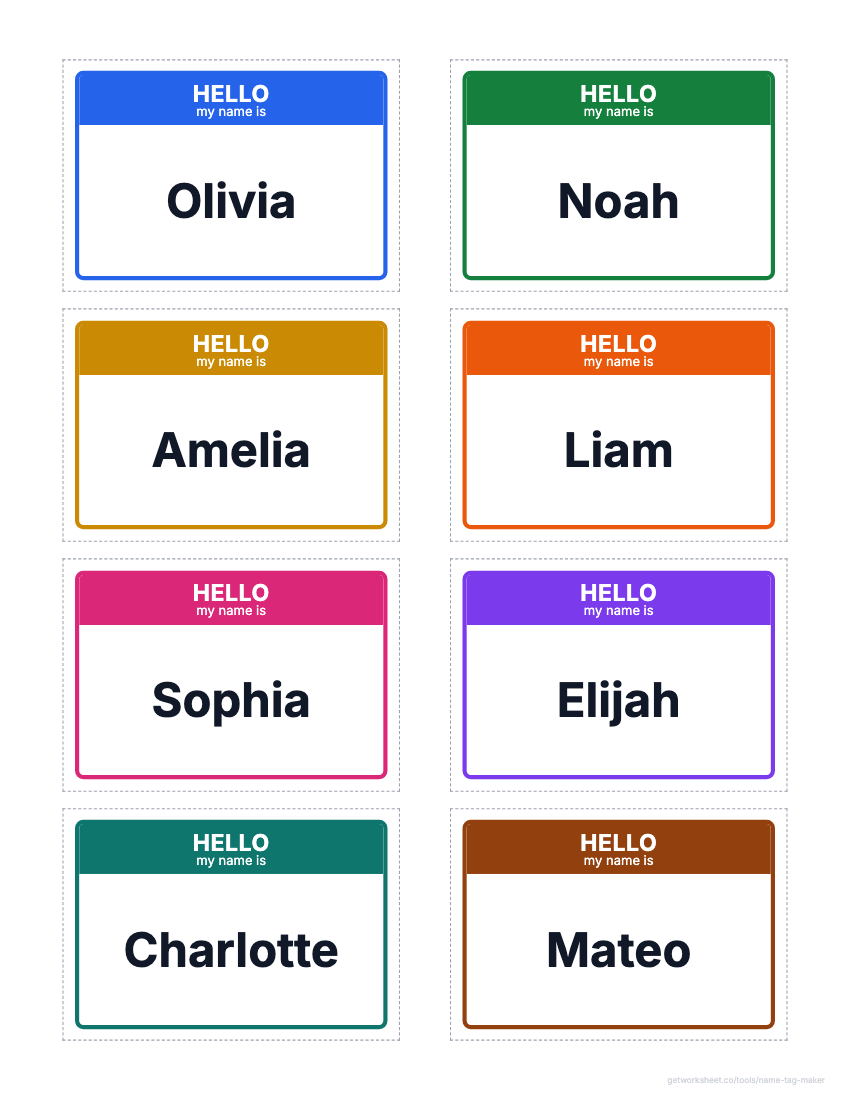 Name tag and label makerDesk name plates, name tags, labels and locker tags from a class list, on Avery grids. Free to print.
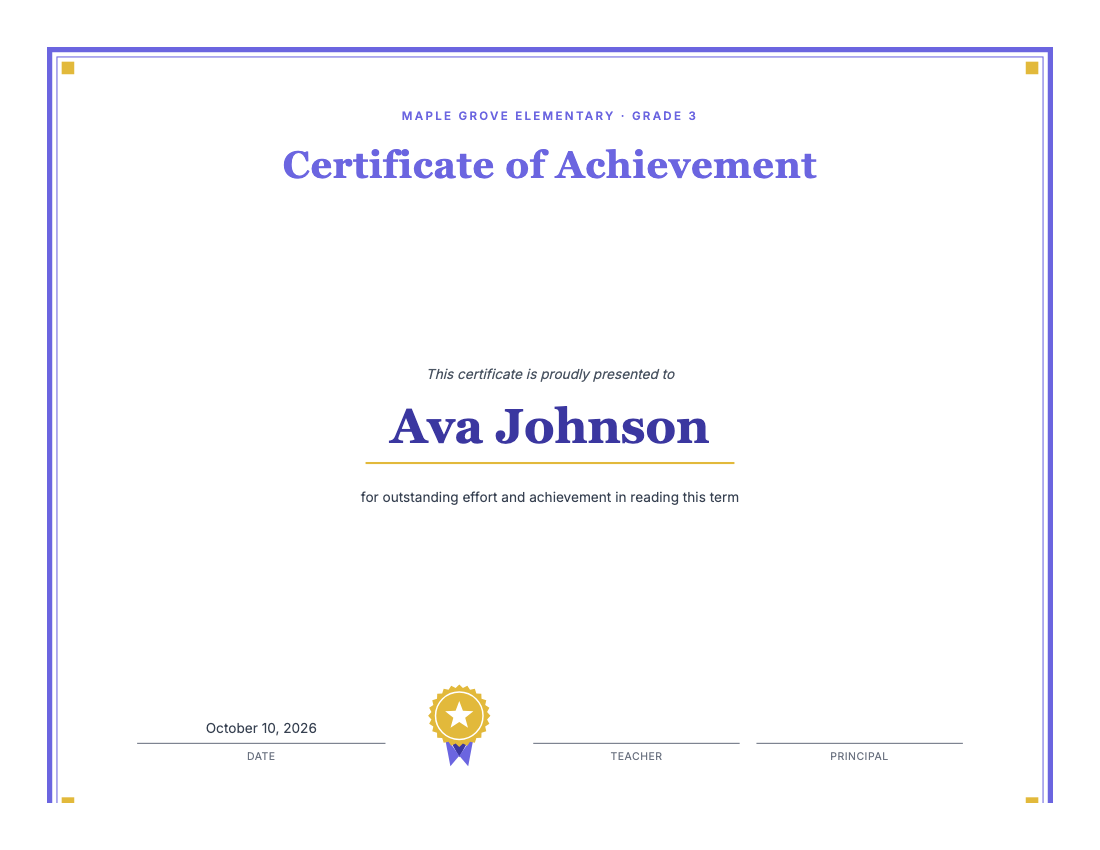 Certificate makerAward certificates for kids: preset titles, one name per page, borders, seal. Free to print.
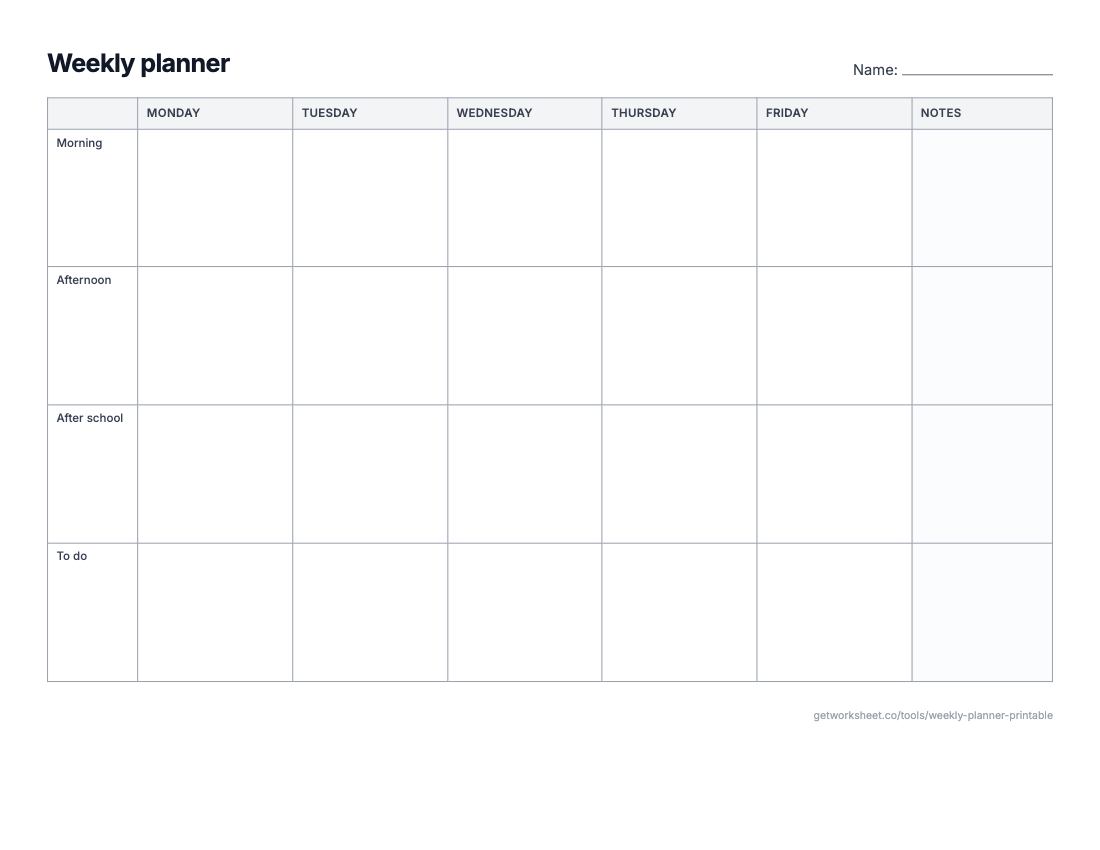 Weekly planner and calendar makerWeekly planner, monthly calendar, daily schedule or lesson-plan grid on one sheet. Free to print.
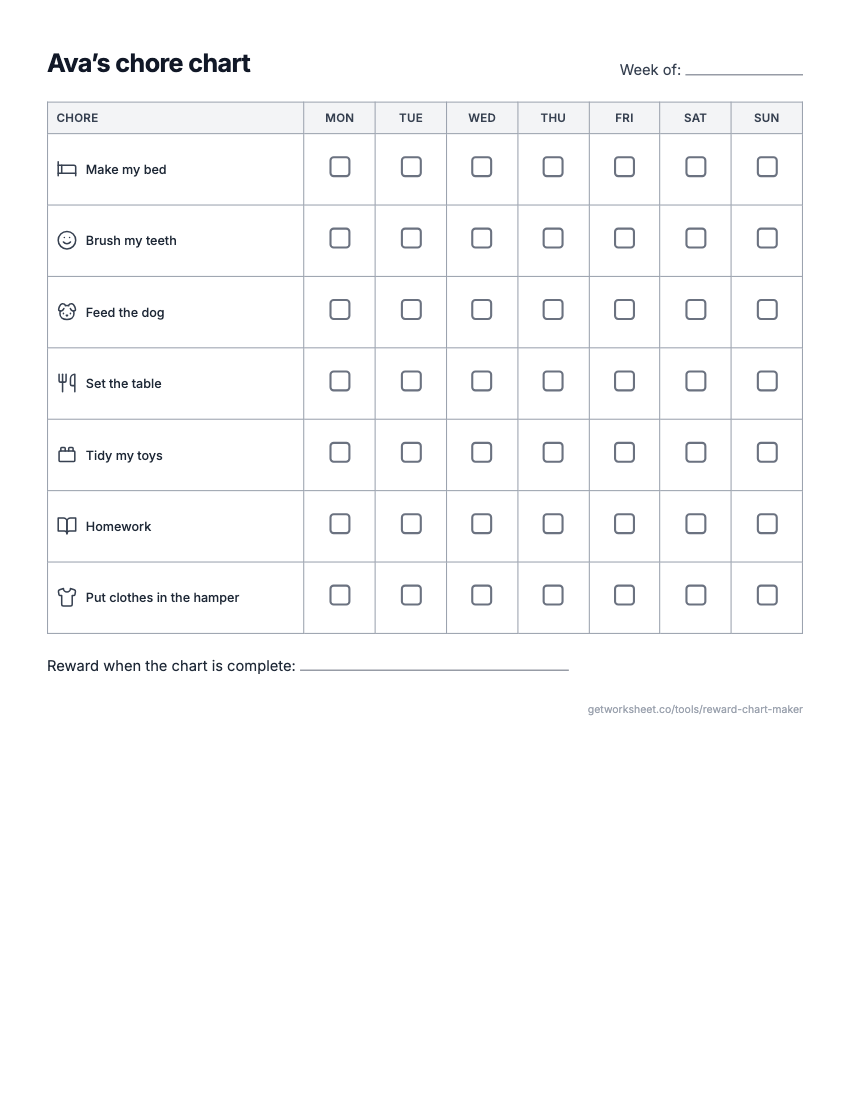 Reward chart and chore chart makerReward or sticker chart with a goal, Mon-Sun chore chart with pictures, behavior chart. Free to print.
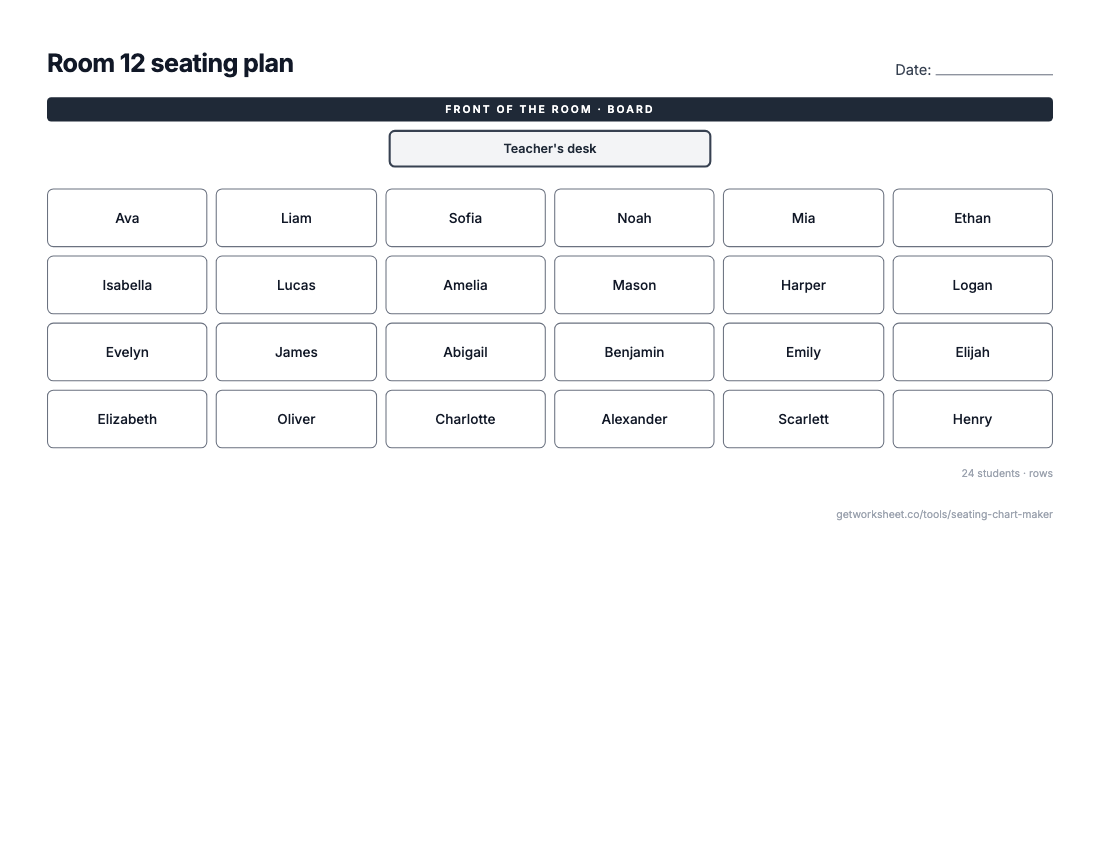 Seating chart makerClass list in, seating plan out: rows, pairs, tables or U-shape, shuffle and lock seats. Free to print.
- Worksheet generatorCustom worksheets for any topic, grade and question type.
- Lesson plan generatorStandards-aligned plans with objectives, activities and assessment.
- Report card commentsPersonalised, professional comments for every student.