Free printable maker
Reward Chart and Chore Chart Maker
A reward or sticker chart with the child's name and goal, a Mon–Sun chore chart with pictures, or a behavior chart with faces to circle. One chart per child, ready to print. Free, no account.
One chart.
Prints 1 page. Free, no account.
Ava’s reward chart
I am working for: A trip to the park
Colour or sticker one box each time. When every box is filled, the reward happens.
getworksheet.co/tools/reward-chart-maker
Using the charts
Making a chart that changes behaviour, not just decorates the fridge
A reward chart works on one principle: the child can see the gap closing. That means the number of boxes has to match the child's patience. A three-year-old needs ten boxes and a reward by the weekend; a seven-year-old can work across twenty for a fortnight; thirty or fifty boxes suit a child saving for a bigger treat or a whole class working towards a party. Choose the path layout when you want progress to feel like a journey (the caterpillar grows, the rocket waits at the end) and the grid when stickers go on fast and often.
Write the goal so it is concrete and in the child's words: “I am working for: a trip to the park” beats “good behaviour”. Give one box for one clearly defined action, at the moment it happens, and never take a box away: removing stickers turns a reward chart into a punishment chart and children stop trusting it. When the last box is filled, the reward happens that day.
Chore charts are a routine tool rather than a reward tool. Keep the list short (five to seven chores for a young child), put them in the order of the day, and turn on the pictures so a pre-reader can follow it alone. Mon–Fri for school-week chores, Mon–Sun for pets and bedrooms. The reward line at the bottom is optional; many families use the chart simply to make expectations visible.
Behavior charts belong in a conversation between school and home. Phrase every goal as a positive (“I kept my hands to myself”, not “no hitting”), keep to three or four goals, and circle a face at the same time each day with the child, saying what went well first. The comments block is for one sentence a day, and the parent signature closes the loop. For a student with a behaviour plan, pair the chart with the token board, which rewards within a lesson rather than at the end of the day.
Printing tips: portrait suits most charts; switch to landscape for a Mon–Sun chore chart with long chore names or a 50-box grid. Choose “Background graphics” in the print dialog so the shaded headers print. Laminate and use a whiteboard marker for a chart you reuse every week, or print a stack and let the child keep each completed one.
If you would rather start from a finished design, there are ready-made reward chart printables, sticker charts from 10 to 100 boxes and chore charts for kids, teens and families, plus a potty training chart for the youngest. When the chart is full, the certificate maker prints the award.
How it works
How to make a reward chart
Three steps from a goal to a chart on the fridge.
- 1
Pick the chart
Reward or sticker chart, chore chart or behavior chart. Type one name per child; each child gets a page.
- 2
Fill in the goal
The reward and the number of boxes, the chores with their days, or the behaviour goals and whether to use faces or check boxes.
- 3
Print
Portrait or landscape, Letter or A4. Stick it on the fridge or the classroom wall and start filling boxes.
Good to know
Questions, answered
Yes. Type the child's name and goal, choose the boxes and theme, and print or save as a PDF. No account, no watermark. Nothing is uploaded: the chart is drawn in your browser.
Ten for toddlers and preschoolers, where the reward needs to arrive within a few days. Twenty for a two-to-three-week goal in the early grades. Thirty or fifty for older children saving towards something bigger, or for a whole-class chart. The path layout makes progress visible as a journey from START to FINISH; the grid is quicker to fill with stickers.
Up to 14 chores, one per line, against Monday to Friday or Monday to Sunday with a check box for each day. Common chores get a small picture automatically (bed, teeth, dishes, trash, pets, homework, laundry, toys, plants, sweeping, bath, washing hands, backpack), which lets a pre-reader follow the chart. There is an optional "Reward when the chart is complete" line at the bottom.
Type up to ten goals written as positives ("I used kind words") and choose faces or check boxes. With faces, you circle the happy, okay or sad face at the end of each day; with boxes, you tick when the goal was met. A comments block and a parent signature line make it a home-school communication sheet.
Yes. Type up to ten names, one per line, and the maker prints the same chart once per child, each on its own page with that child's name in the title. Leave the name box empty for a blank chart with a name line.
More free printable makers
More sheets you can make right now
Each of these builds the printable in your browser: no account, no AI, no weekly limit, an answer key where one applies.
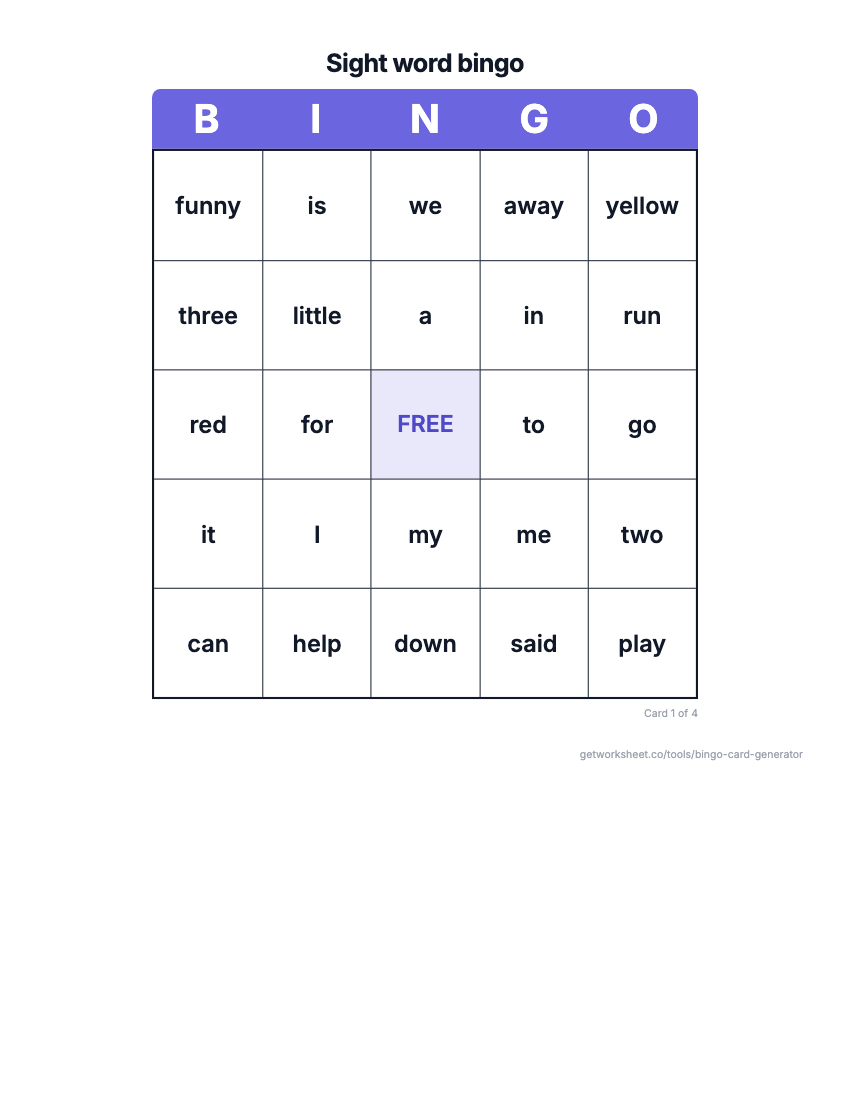 Bingo card generatorSight word, number, math fact or custom bingo cards with a call sheet. Free to print.
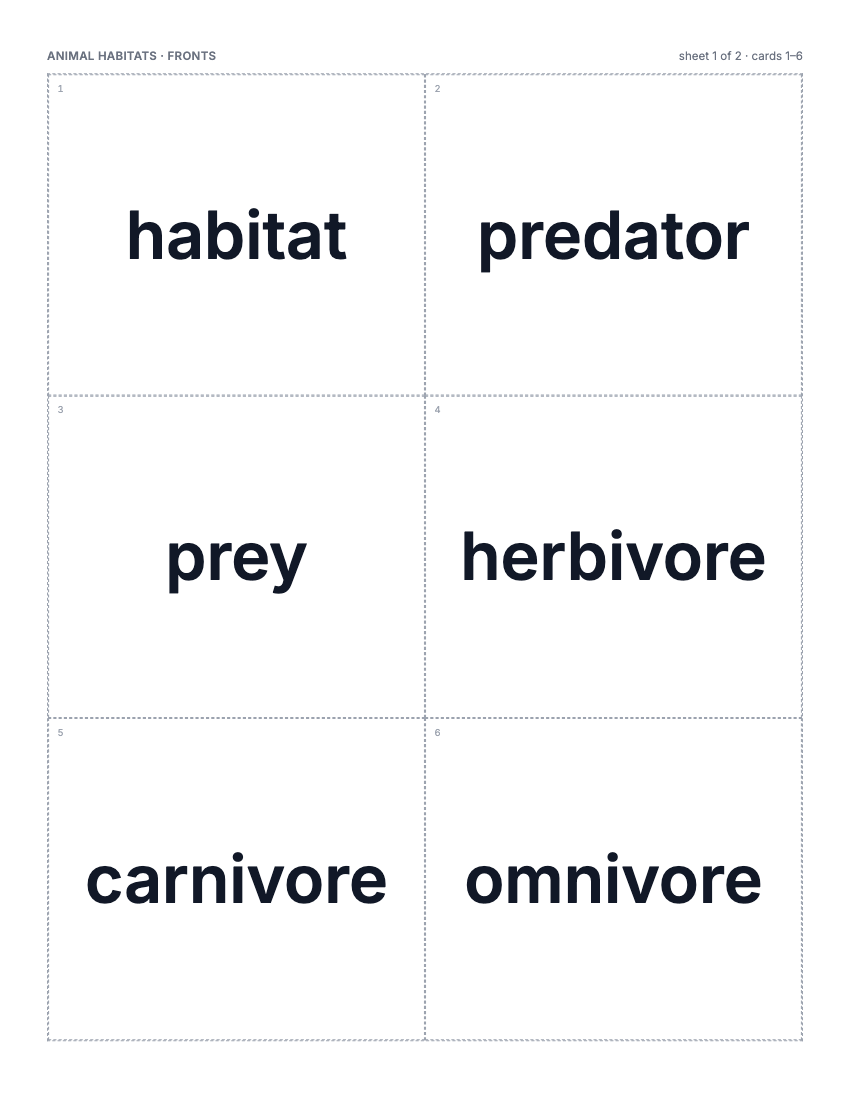 Flashcard makerVocabulary, math fact or sight word cards, 2-8 a page, two-sided or fold-over. Free to print.
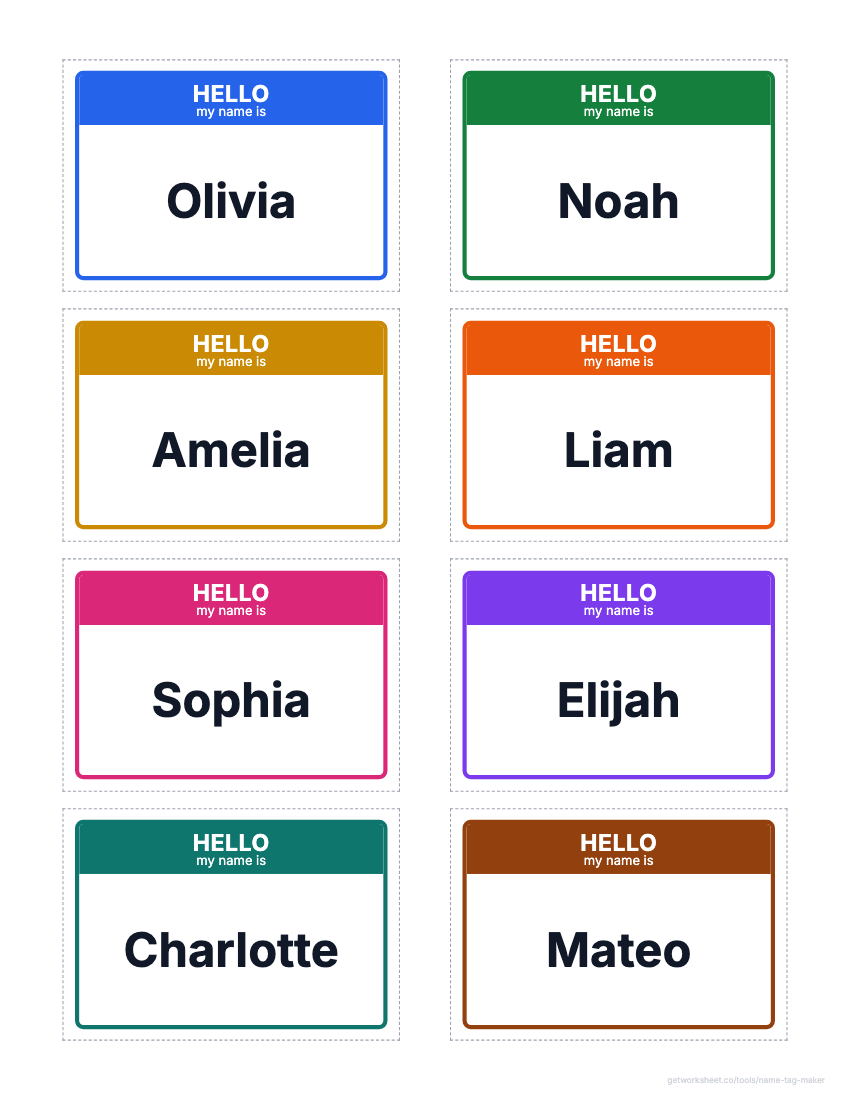 Name tag and label makerDesk name plates, name tags, labels and locker tags from a class list, on Avery grids. Free to print.
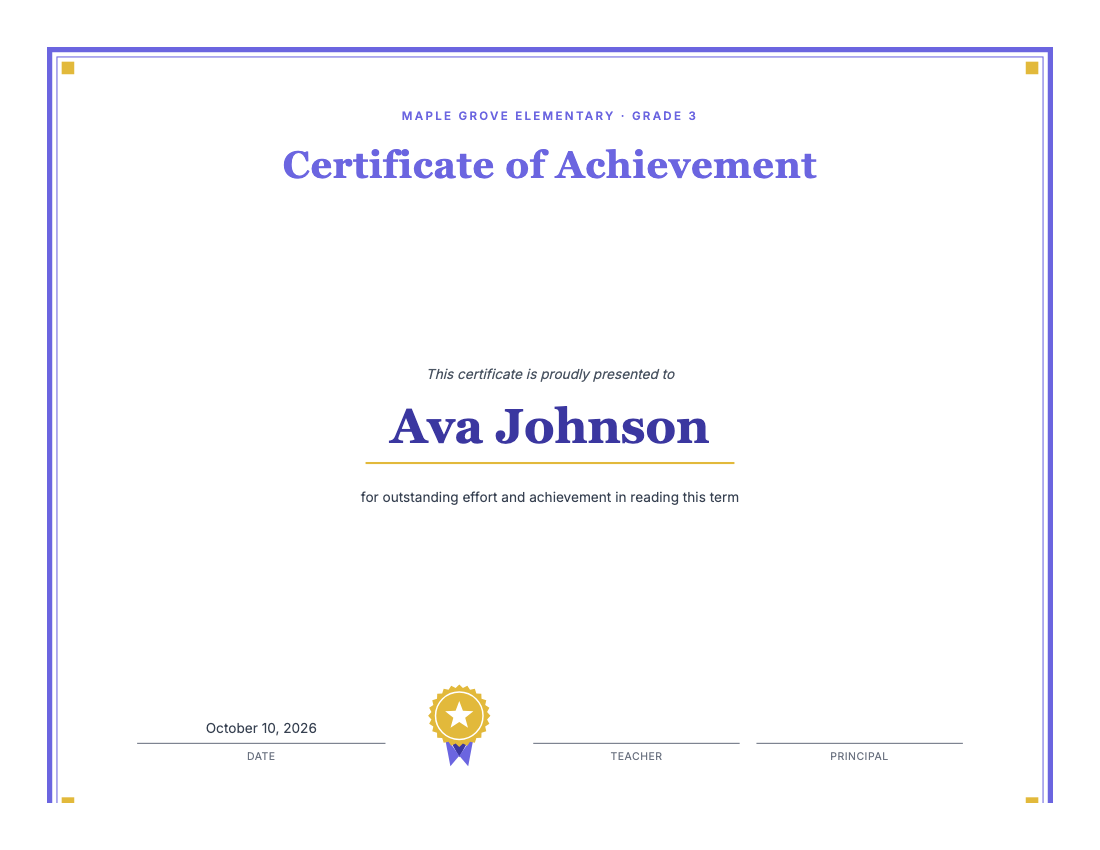 Certificate makerAward certificates for kids: preset titles, one name per page, borders, seal. Free to print.
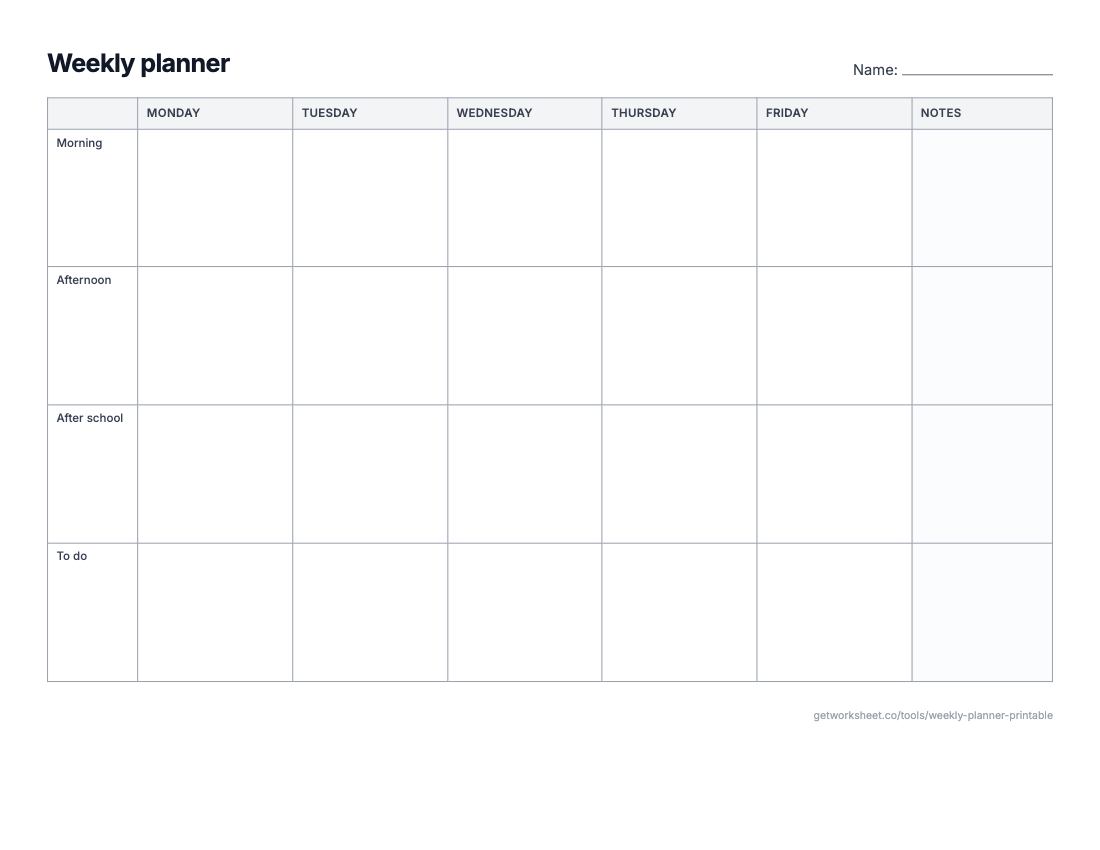 Weekly planner and calendar makerWeekly planner, monthly calendar, daily schedule or lesson-plan grid on one sheet. Free to print.
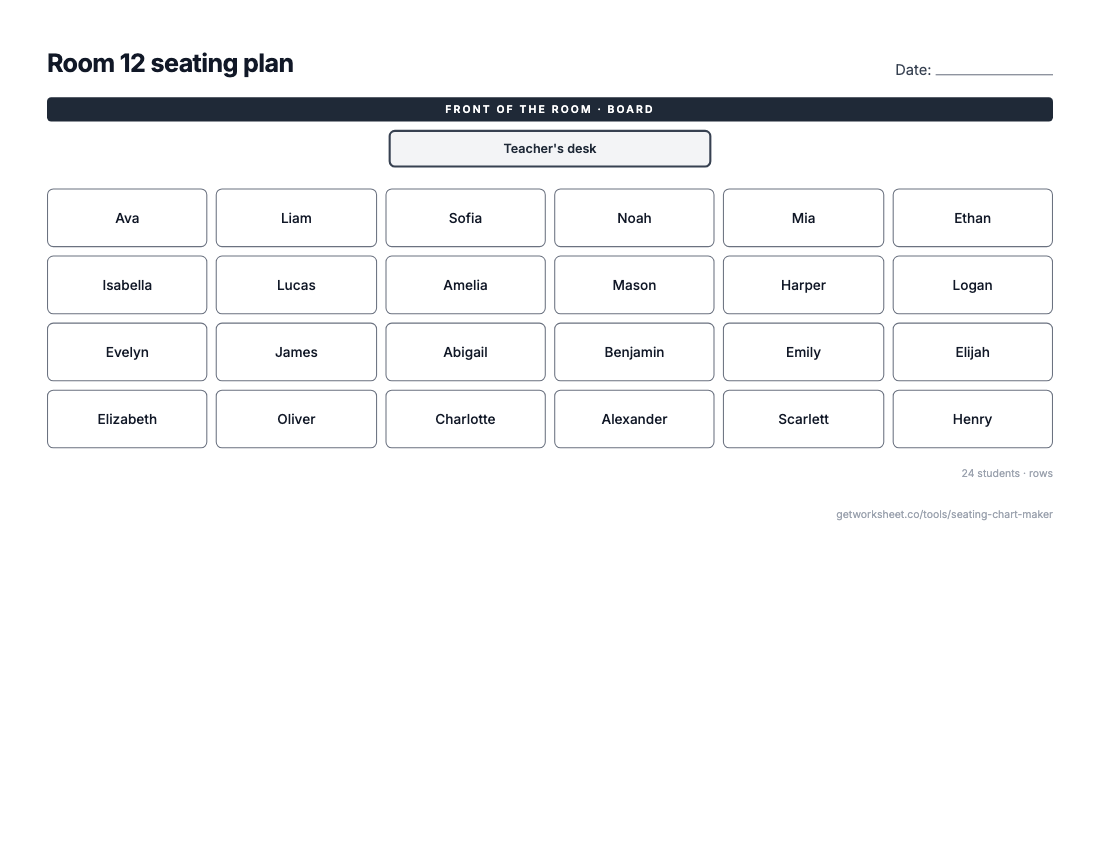 Seating chart makerClass list in, seating plan out: rows, pairs, tables or U-shape, shuffle and lock seats. Free to print.
- Worksheet generatorCustom worksheets for any topic, grade and question type.
- Lesson plan generatorStandards-aligned plans with objectives, activities and assessment.
- Report card commentsPersonalised, professional comments for every student.