Free printable maker
Seating Chart Maker
Paste the class list, choose rows, pairs, tables or a U-shape, shuffle the seats and lock the ones that must stay. A landscape seating plan with the teacher's desk at the front. Free, no account.
24 students.
Click a seat to lock that student in place; Shuffle moves everyone else. Prints one landscape page. Free, no account.
Room 12 seating plan
Date:24 students · rows
getworksheet.co/tools/seating-chart-maker
Using the plan
Choosing a seating plan for the lesson you actually teach
There is no best classroom layout, only a best layout for a kind of lesson. Rows facing the board suit direct instruction, tests and any lesson where you need every eye on the front; they also make the register fastest, which is why seat numbers are an option. Pairs keep that focus but give every child a partner for talk-and-turn, peer checking and shared texts. Tables of four to six are built for group work, stations and projects, at the cost of some children sitting with their backs to the board. The U-shape lets everyone see everyone, which is ideal for discussion, class meetings and languages, and leaves an open floor for demonstrations.
Many teachers keep two plans: rows or pairs for the first weeks of term while routines settle, and tables once the class can work together. Print both, keep them in the planner, and switch the room during a break. The maker remembers nothing between visits, so save each plan as a PDF.
Shuffle and lock turn a random plan into a deliberate one. Shuffle once, then click the seats that must stay fixed: the student who needs the front row for sight or hearing, the child who works best next to a calm neighbour, the two who should not be at the same table. Shuffle again and only the unlocked seats change. A fresh random plan every few weeks is a fair way to mix friendship groups without singling anyone out.
For substitutes the plan is the single most useful page in the folder. Print it with seat numbers, add the date, and put it with a sub plan and the day's timetable. The blank version, with empty seats and a line in each, is for the substitute to fill in during the register or for a new room before the class list is confirmed.
Printing: the sheet is set to landscape automatically, so leave the orientation alone in the dialog and tick “Background graphics” so the front-of-room bar and the table labels print. Long names shrink to fit their seat rather than wrapping; for a class of 36 or more, 8 seats per row or tables of 6 keep the seats readable. The lock icons on screen do not print.
Setting up the rest of the room? Print name tracing sheets for desk labels in the early grades, a visual schedule for the wall, and a first-week all-about-me sheet to learn who should sit where before you lock the plan.
How it works
How to make a classroom seating chart
Three steps from a class list to a plan on the desk.
- 1
Paste the class list
One name per line, up to 40. Give the plan a title such as the room number and class.
- 2
Choose the layout
Rows, pairs, tables of 4 to 6 or a U-shape. Shuffle to seat the class at random; click a seat to lock a student in place and shuffle the rest.
- 3
Print
The plan prints on one landscape page with the teacher's desk at the front. Letter or A4; save as PDF for the substitute folder.
Good questions.
Something else? hello@getworksheet.co
Yes. Paste your class list, pick a layout and print or save as a PDF. No account, no watermark. The names stay in your browser and are never uploaded.
Rows with 4 to 8 seats across, pairs (two desks pushed together, 2 to 4 pairs per row), tables of 4, 5 or 6, and a U-shape that opens towards the board. The teacher's desk and the front of the room are marked at the top of every plan so the orientation is never in doubt.
Yes. Shuffle deals the class into the seats at random. Click any seat to lock that student in place (a child who needs to sit at the front, two who must not sit together) and Shuffle again: locked seats stay put while everyone else moves. The arrangement comes from a seed, so the same shuffle number gives the same plan if you reprint.
Up to 40. The last row or table is filled with empty seats so the plan is a complete grid. Long names shrink so they stay on one line in their seat, and you can number the seats for a quick-reference register.
Yes. Tick "Blank plan", choose the number of seats and the layout, and every seat prints as an empty box with a line, ready to fill in by hand or hand to a substitute teacher.
More free printable makers
More sheets you can make right now
Each of these builds the printable in your browser: no account, no AI, no weekly limit, an answer key where one applies.
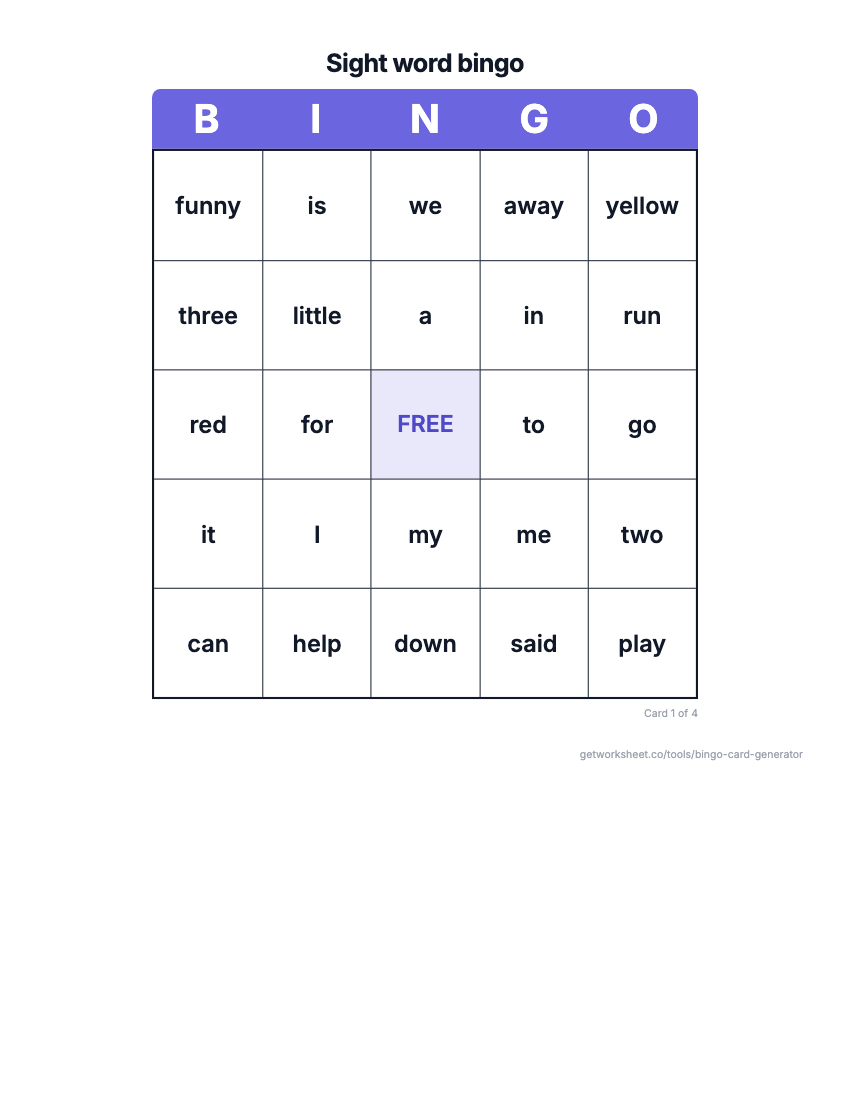 Bingo card generatorSight word, number, math fact or custom bingo cards with a call sheet. Free to print.
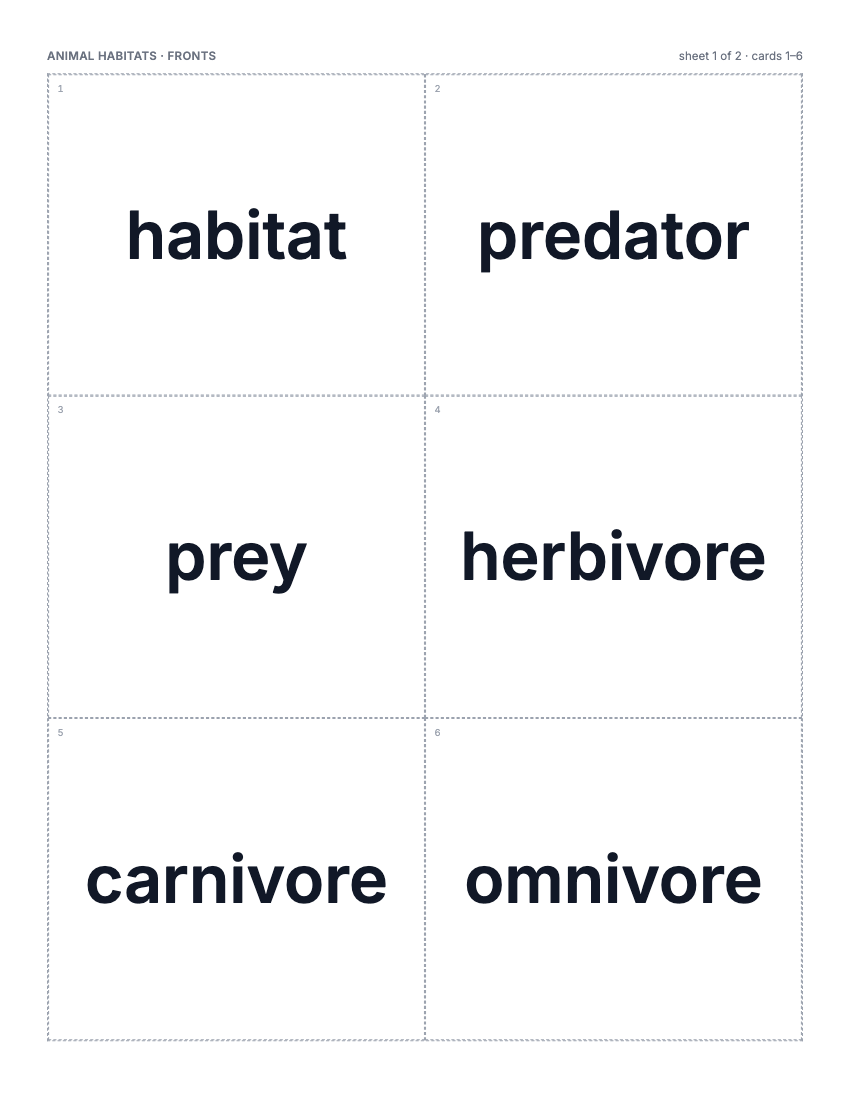 Flashcard makerVocabulary, math fact or sight word cards, 2-8 a page, two-sided or fold-over. Free to print.
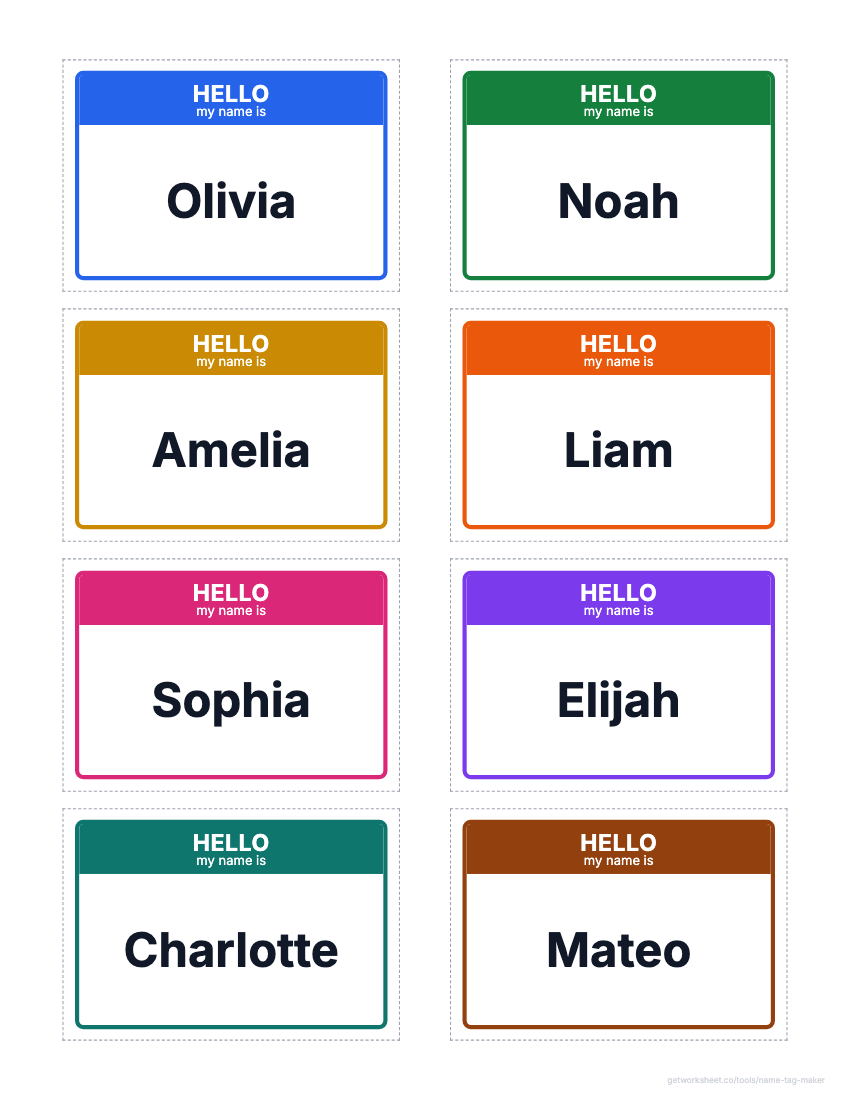 Name tag and label makerDesk name plates, name tags, labels and locker tags from a class list, on Avery grids. Free to print.
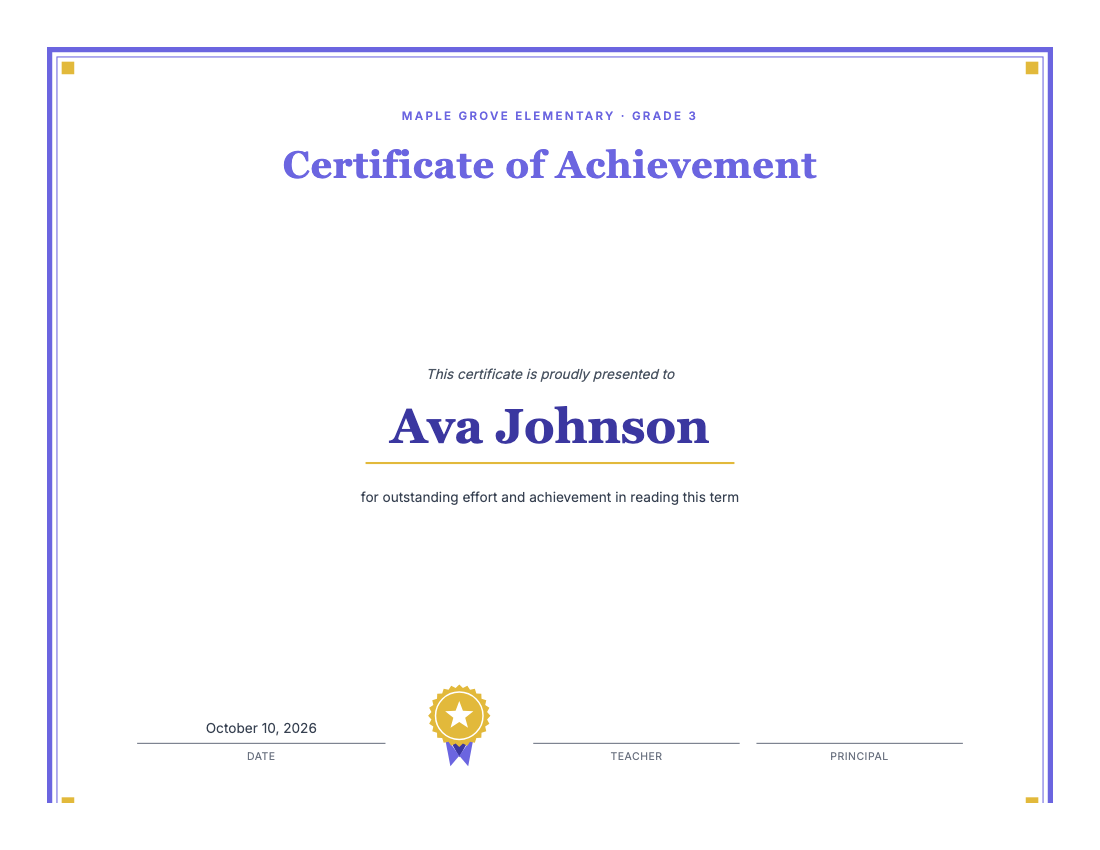 Certificate makerAward certificates for kids: preset titles, one name per page, borders, seal. Free to print.
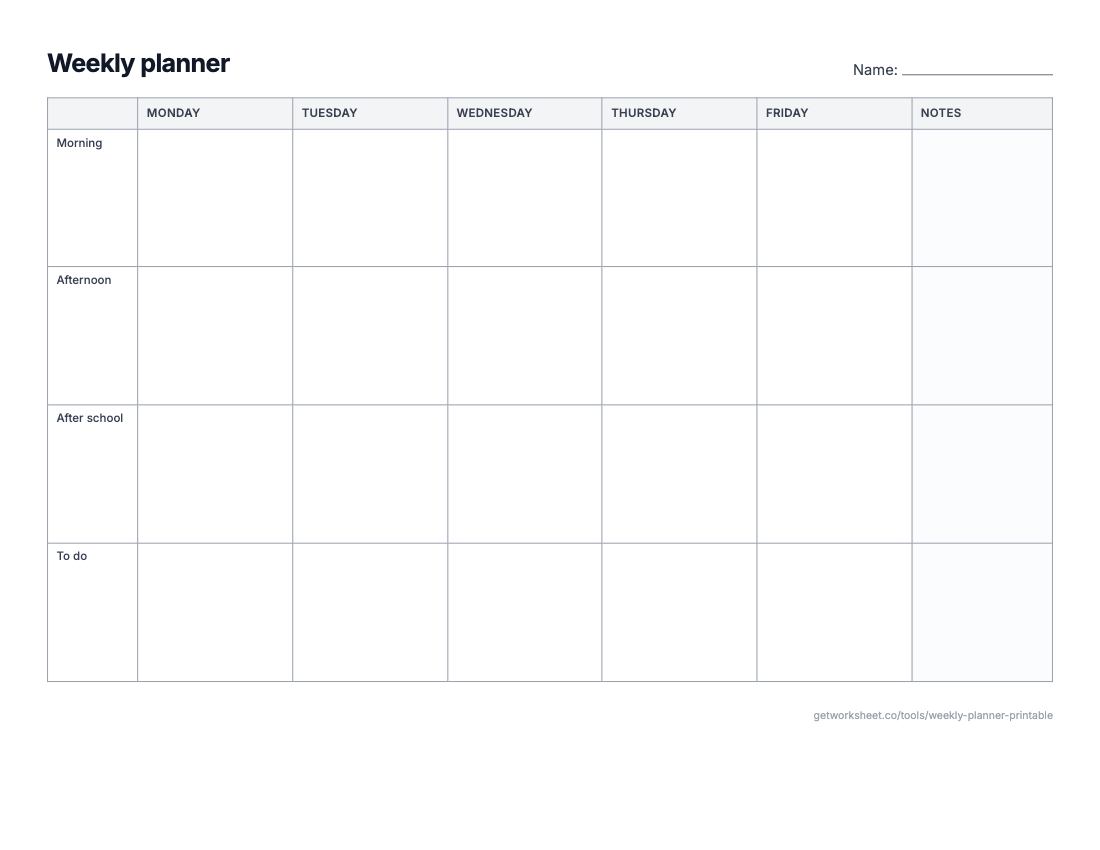 Weekly planner and calendar makerWeekly planner, monthly calendar, daily schedule or lesson-plan grid on one sheet. Free to print.
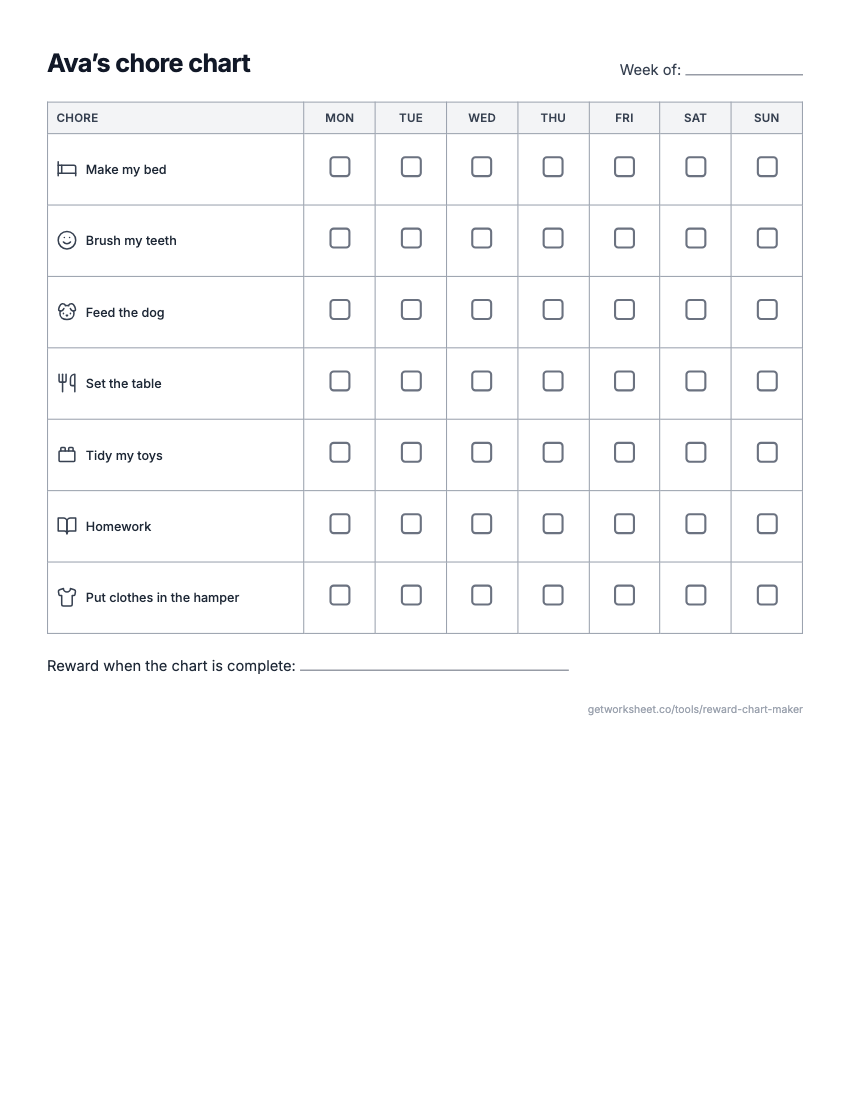 Reward chart and chore chart makerReward or sticker chart with a goal, Mon-Sun chore chart with pictures, behavior chart. Free to print.
- Worksheet generatorCustom worksheets for any topic, grade and question type.
- Lesson plan generatorStandards-aligned plans with objectives, activities and assessment.
- Report card commentsPersonalised, professional comments for every student.