Free printable maker
Fraction Worksheet Generator
Circle, bar and number-line models drawn exactly to the fraction. Write or shade the fraction, find equivalent fractions, compare, simplify, add and subtract, or take a fraction of a set. 8 to 16 problems with an answer key. Free, no account.
Prints the worksheet, then the answer key on its own page. Free, no account.
Write the fraction
12 problemsWrite the fraction that is shaded.
- 1.Shaded:
- 2.Shaded:
- 3.Shaded:
- 4.Shaded:
- 5.Shaded:
- 6.Shaded:
- 7.Shaded:
- 8.Shaded:
- 9.Shaded:
- 10.Shaded:
- 11.Shaded:
- 12.Shaded:
Write the fraction · Answer key
12 problemsWrite the fraction that is shaded.
- 1.Shaded: 28
- 2.Shaded: 23
- 3.Shaded: 34
- 4.Shaded: 14
- 5.Shaded: 34
- 6.Shaded: 12
- 7.Shaded: 12
- 8.Shaded: 36
- 9.Shaded: 26
- 10.Shaded: 56
- 11.Shaded: 12
- 12.Shaded: 36
getworksheet.co/tools/fraction-worksheet-generator
Teaching fractions
Models first, symbols second
Most fraction mistakes in grades 3 to 5 come from treating the numerator and denominator as two separate whole numbers: adding 1/2 and 1/3 to get 2/5, or deciding 1/8 is bigger than 1/4 because 8 is bigger than 4. The fix is to keep a picture attached to the symbol for as long as it takes. Write the fraction and Shade the fraction do that directly: the child reads a model and writes the symbol, or reads the symbol and makes the model. Alternate the two on consecutive days.
Mix the models. A child who only ever sees pizza circles will not recognise 3/4 on a number line. The Mixed setting puts circles, bars and number lines on the same sheet so the idea (equal parts of one whole) transfers across pictures. Number lines matter most: they are the model fractions share with whole numbers, decimals and measurement, and they are the one children find hardest.
Equivalent fractions come next, and the generator keeps them honest: it starts from a fraction in lowest terms and scales it by 2 to 5, then hides either the new numerator or the new denominator, so children have to work out the multiplier rather than pattern-match. Simplify is the same move in reverse.
Compare mixes three kinds of pair on purpose: like denominators (compare numerators), like numerators (the bigger denominator is the smaller fraction, the counter-intuitive one) and unrelated pairs that need a common denominator or a benchmark like 1/2. Leave “Show visual models” on while the reasoning is new; turn it off for a check.
Add and subtract starts with like denominators and sums that stay within one whole, and the key writes the answer over the common denominator before simplifying, so 2/6 + 2/6 = 4/6 = 2/3 shows both steps. Tick “Unlike denominators” once common denominators are taught; the generator pairs the denominators you ticked, so 2, 4 and 8 gives gentle pairs while 3, 5 and 7 forces full multiplication. Fractions of a set links fractions to division: 2/3 of 12 dots means split into 3 groups and shade 2 of them.
Related practice: the multiplication worksheets for the facts behind equivalent fractions, the decimal division worksheets for the step after fractions, the telling time worksheets where quarters and halves appear on a clock face, and the math fact worksheet generator for quick drills.
How it works
How to make a fraction worksheet
Three steps from a skill to a sheet with its answer key.
- 1
Pick the task and denominators
Write, shade, equivalent, compare, simplify, add and subtract, or fractions of a set. Tick the denominators from 2 to 12 that your class is working with.
- 2
Set the sheet
Circles, bars, number lines or a mix; 8, 12 or 16 problems; unlike denominators and visual models on or off; an optional title and the answer key page.
- 3
Print
Letter or A4. The worksheet prints first and the answer key follows on its own page. Shuffle for a new set with the same settings.
Good questions.
Something else? hello@getworksheet.co
Yes. Pick a task and the denominators, print the worksheet and its answer key. No account, no watermark and no limit on sheets. Everything is generated in your browser.
Seven tasks: write the fraction shown by a model, shade a model to show a fraction, equivalent fractions with a missing numerator or denominator, compare two fractions with <, > or =, simplify to lowest terms, add and subtract with like denominators (or unlike denominators as an option), and fractions of a set of dots.
Circles cut into equal sectors, bars cut into equal parts, and 0 to 1 number lines with a marked point, all drawn exactly to the fraction so a 3/8 circle really has 8 equal sectors with 3 shaded. Shaded parts print as a clear mid-grey on a black-and-white copier. Choose one model or mix all three on a sheet.
Yes. Tick any of 2 to 12. For a first sheet use 2, 3 and 4; add 6 and 8 for equivalence and comparing; include 5, 10 and 12 when moving toward decimals and time. Equivalent-fraction and simplify problems scale the chosen denominators by 2 to 5.
Yes. Leave "Answer key page" ticked and the key prints after the worksheet with the same problems in the same positions, blanks filled and models shaded. Sums are shown over the common denominator and then in simplest form. Press Shuffle for a fresh set with the same settings.
More free printable makers
More sheets you can make right now
Each of these builds the printable in your browser: no account, no AI, no weekly limit, an answer key where one applies.
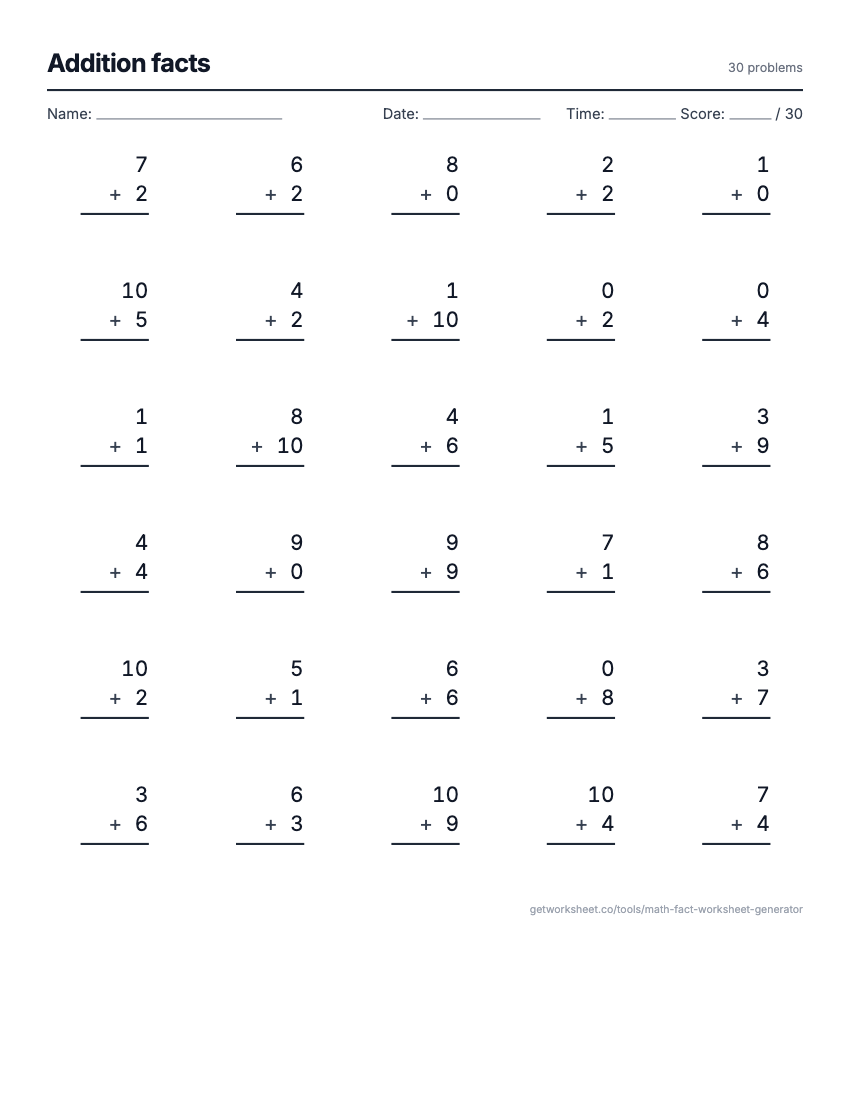 Math fact worksheet generatorAddition to division drills with an answer key. Free to print.
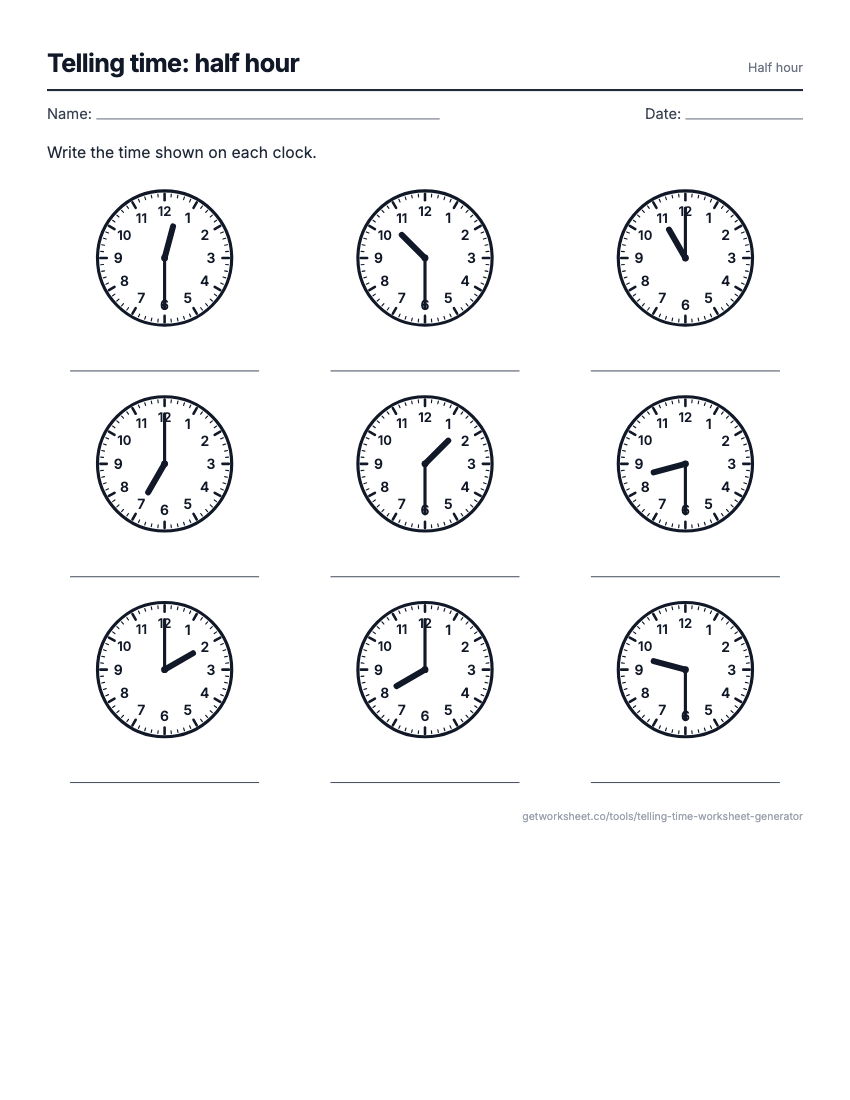 Telling time worksheet generatorAnalogue clocks to read, draw, match or add time to, with answer key. Free to print.
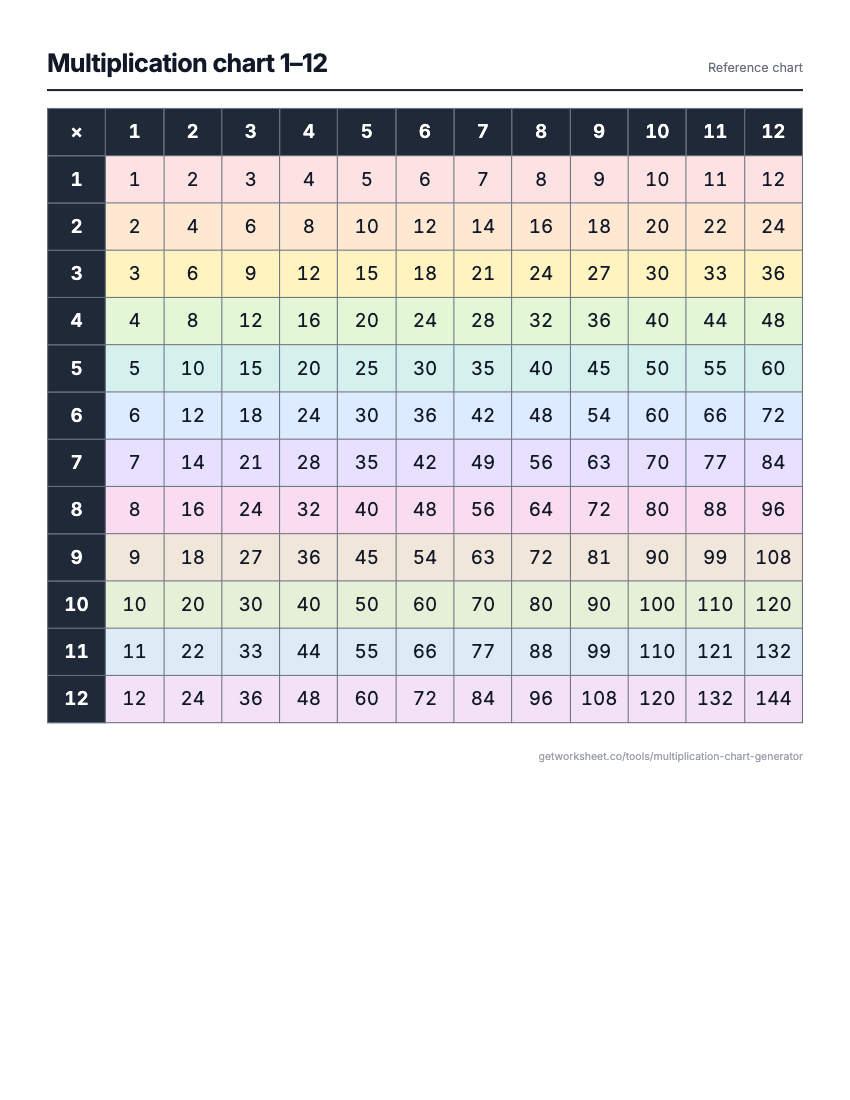 Multiplication chart generatorCharts to 15, full, blank or coloured, and times table tests with key. Free to print.
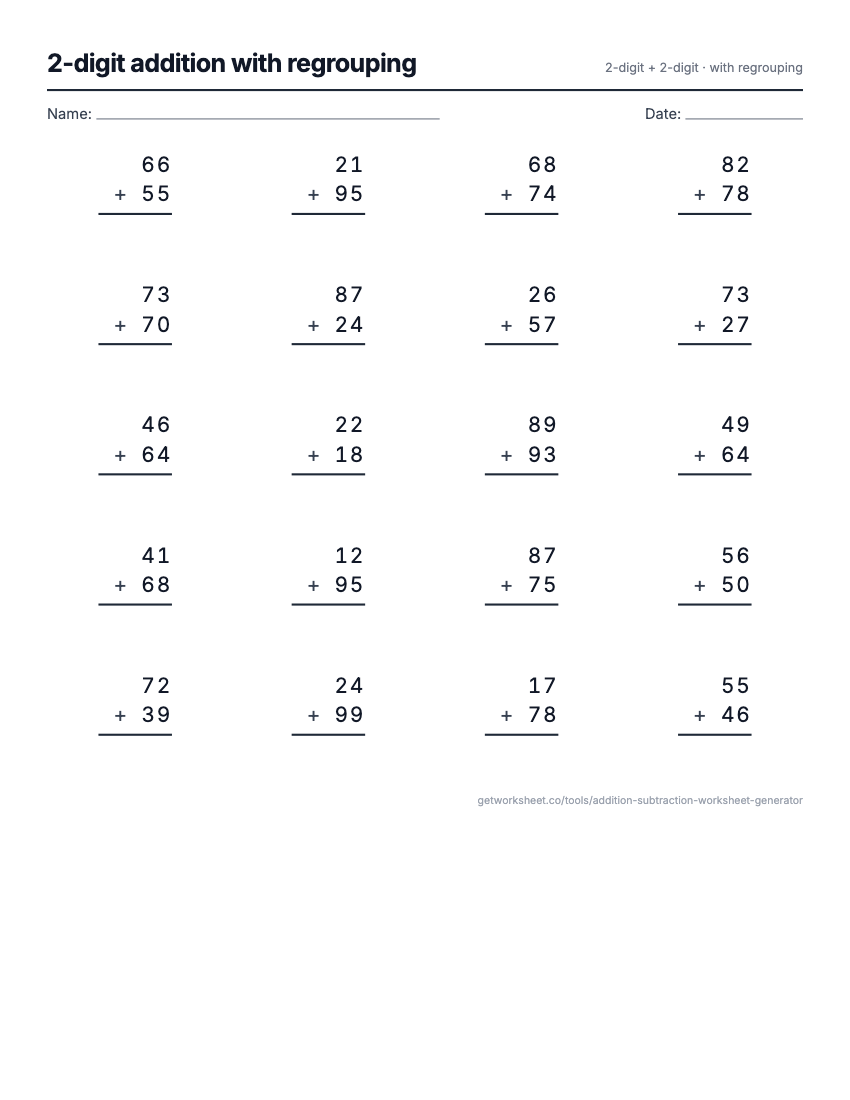 Addition and subtraction generatorColumn add and subtract, regrouping you control, boxes and key. Free to print.
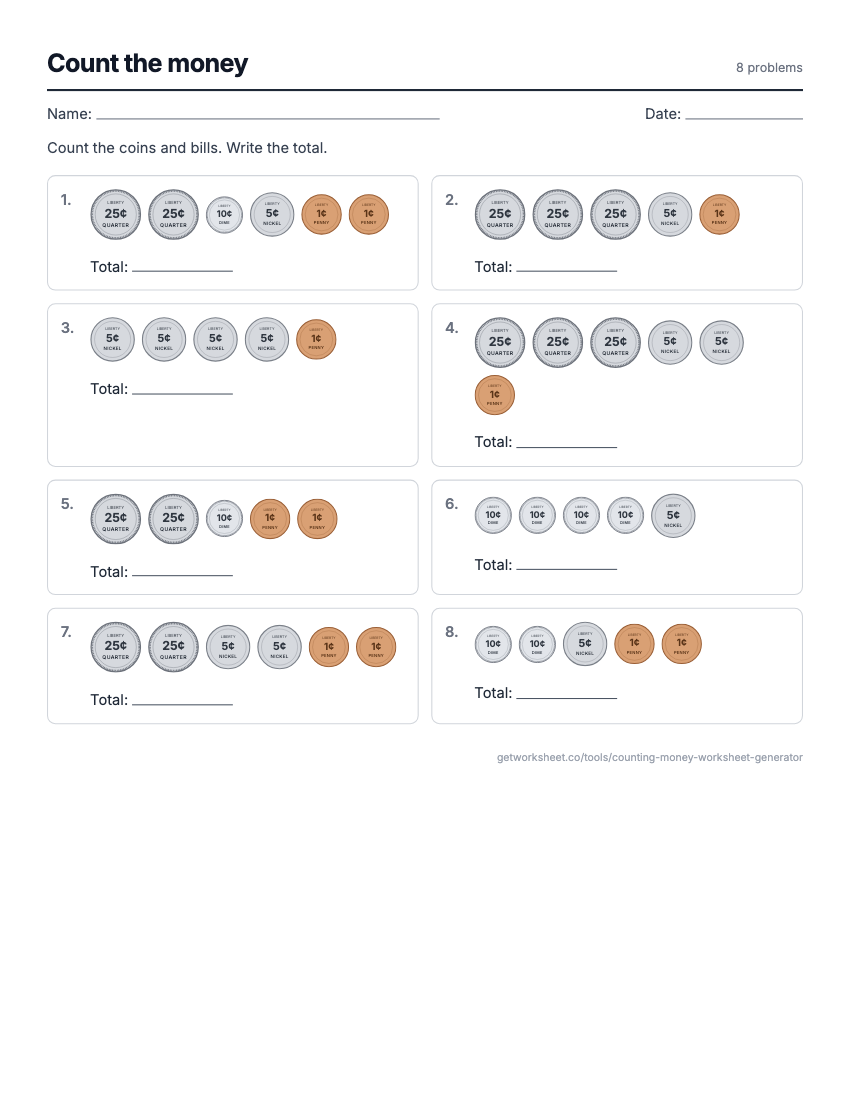 Counting money worksheet generatorCount US coins, make change, compare groups, write amounts. Answer key. Free to print.
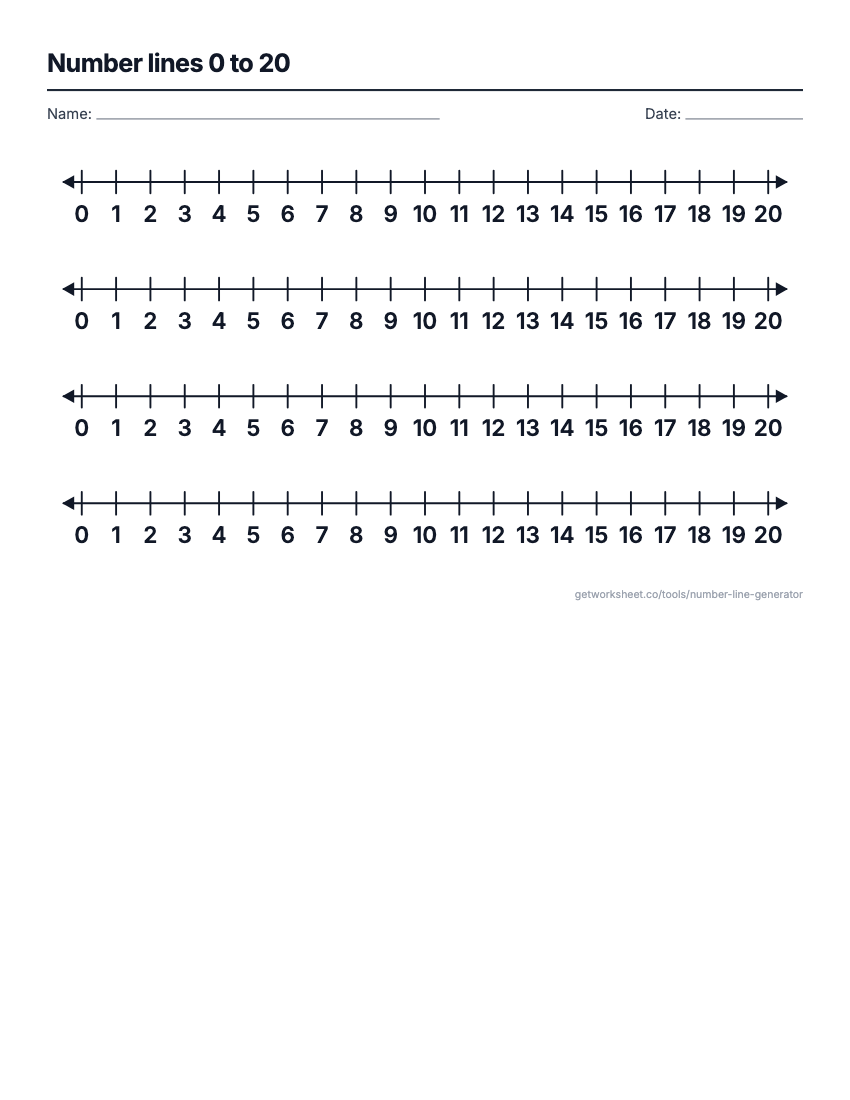 Number line generatorAny range and step, fractions and decimals, blank or missing numbers with a key. Free to print.
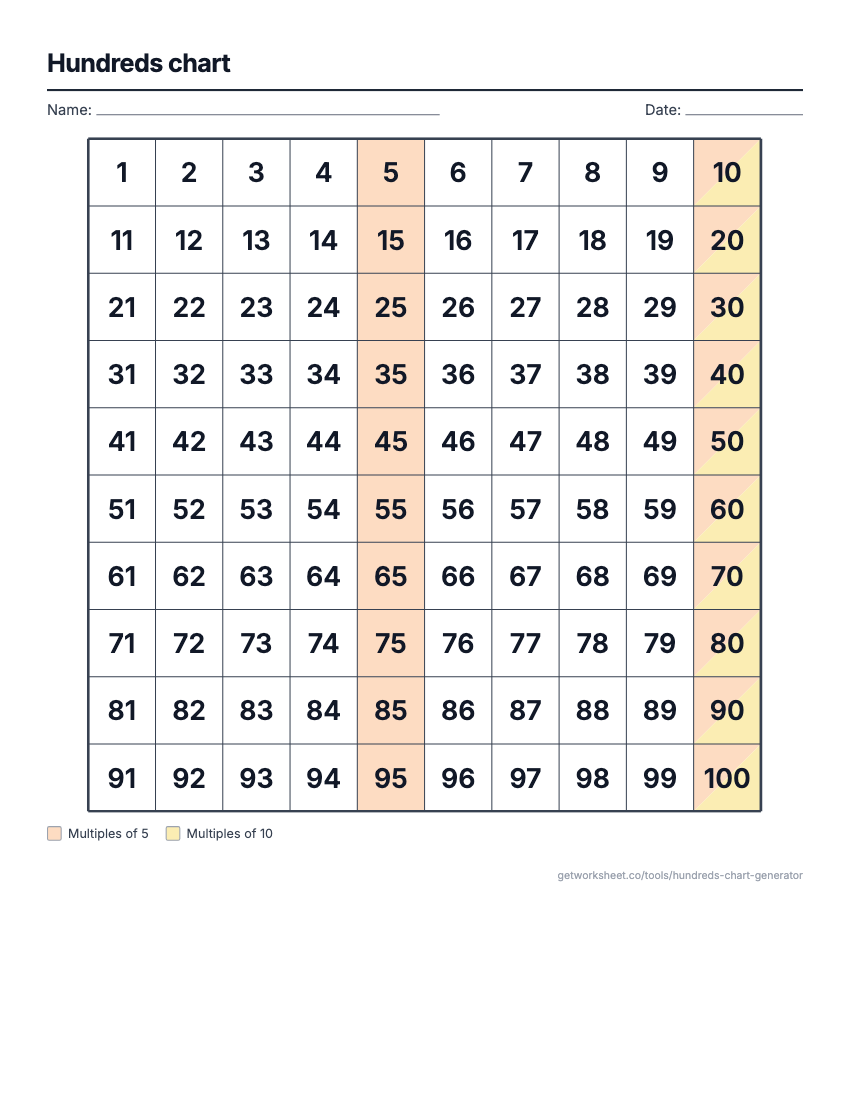 Hundreds chart generator1-100, 1-120 or 0-99, blank or missing numbers, skip-count colours, odd/even. Free to print.
- Worksheet generatorCustom worksheets for any topic, grade and question type.
- Lesson plan generatorStandards-aligned plans with objectives, activities and assessment.