Special education tool
IEP Accommodations Checklist Generator
Describe the student. Get accommodations by category in IEP-ready wording, pre-checked for their needs, with modifications kept separate and a one-page handout for the general education teacher.
The student
Reading level, attention, writing, processing, anxiety, what helps already.
Describe the student, get the checklist
Accommodations by category with the formal IEP wording under each, pre-checked for this student, plus a one-page handout for the general education teacher.
For special education teachers
The whole IEP cycle, one click apart
Each step hands its result to the next: the goal becomes the probes, the probes feed the data sheet, the data writes the progress report. Nothing to retype.
1Goal
Write the IEP goal
Grade, domain and the need in a sentence. You get SMART goals with condition, behavior, criteria, consistency and timeline.
Open2Probes
Make the probe worksheets
Parallel forms of the exact skill, the goal's item count and accuracy target, one form per page.
Open3Data
Collect the data
A data sheet and a graph scaled to the goal, with the aim line and the decision rule already on it.
Open4Plan
Plan for behavior
Operational definition, function hypothesis, replacement behavior, strategies, and a blank ABC sheet.
Open5Report
Report progress
Present levels and the quarterly progress comment written from the numbers on the data sheet, plus a parent version.
Open6Supports
Accommodations checklist
IEP-ready accommodations by category with a one-page handout for the general education teacher.
You are here
7Printables
Visual schedule and token board maker
Picture schedules, First/Then boards and token boards. Pick pictures, type the steps, print. Free.
Open
How it works
How to build an accommodations checklist
Three steps from the student to the document.
- 1
Describe the student
Grade, eligibility and, in your own words, what gets in the way and what already helps.
- 2
Pick the settings
Classroom, tests, homework, transitions, specials. The checklist covers the ones you choose.
- 3
Review and print
Tick or untick items, then print the checklist for the file and the handout for the classroom teacher.
Good questions.
Something else? hello@getworksheet.co
Accommodations change how a student accesses learning or shows what they know (extra time, read-aloud, fewer items per page) without changing the standard. Modifications change what is taught or expected. The checklist keeps them in separate sections so the IEP team can see which is which.
Presentation, response, setting, timing and scheduling, assessment, and behavior and organization. Each item has plain classroom wording and the formal wording for the IEP or 504 document, and the ones that fit the student you described are pre-checked.
Yes. Choose "Section 504 only" as the eligibility. The categories and wording are the same; the handout for the classroom teacher is often the most useful page for a 504.
Sign in with a free account and you get one AI generation a week across every GetWorksheet tool. Printing and saving as PDF are part of Pro ($29 a year), which also removes the weekly limit.
AI teacher tools
More tools for the rest of the week
Every tool shares the same weekly allowance. Read results on screen for free; copy, print and download with Pro.
- IEP goal generatorMeasurable goals in minutes, then probe worksheets for each one.
- IEP worksheet generatorPaste a goal, get practice probes and a progress record sheet.
- Progress monitoring sheetData sheet and aim-line graph for any IEP goal.
- Behavior intervention planFunction, replacement behavior, strategies, ABC and tally sheets.
- IEP progress reportPresent levels and progress comments written from your data.
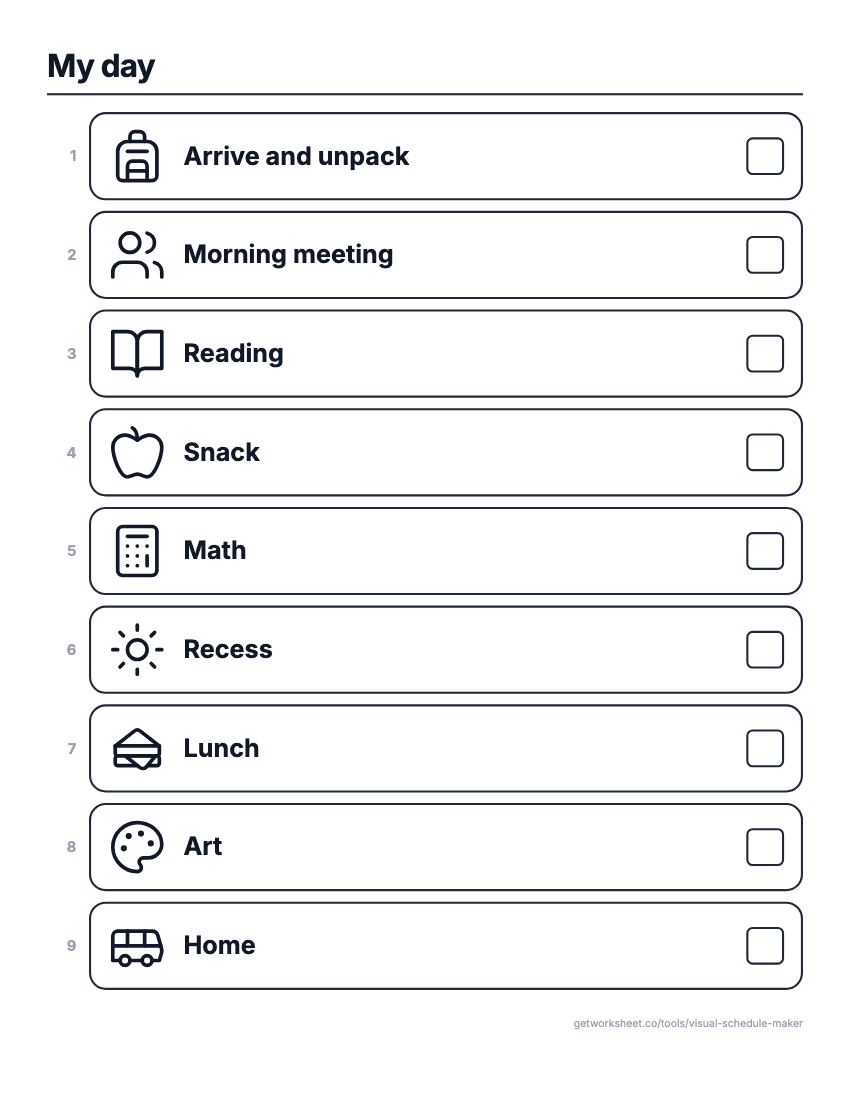 Visual schedule makerPicture schedules, First/Then and token boards. Free to print.
- Worksheet generatorCustom worksheets for any topic, grade and question type.
- Lesson plan generatorStandards-aligned plans with objectives, activities and assessment.
- Report card commentsPersonalised, professional comments for every student.